CloneForce for Calendar & Scheduling Automation

Take scheduling off your plate — with AI Clones that manage time, invites, and follow‑through

Calendar & Scheduling Automation Clones from CloneForce act like digital schedulers and coordinators. They propose times, book and reschedule meetings, protect focus blocks, and keep related tasks and docs in sync—so your days reflect your real priorities instead of being run by whoever grabbed the next open slot.
We get it, calendars filling up with the wrong meetings is chaos
Most teams live in back‑to‑back meetings, endless scheduling threads, and last‑minute reschedules. Important work gets pushed into the margins, time zones get mis‑handled, and nobody has a clear picture of how time is really being spent. Calendar & Scheduling Automation with CloneForce delegates the logistics to Clones that understand preferences, time zones, and priorities—so leaders and teams can focus on the work, not the scheduling.
Calendars that reflect priorities, not just availability
Clones enforce working hours, focus time, and critical rhythms (standups, 1:1s, customer calls) while still leaving room for ad‑hoc requests. They identify low‑value meetings, propose consolidations, and avoid filling every spare minute with yet another call. Your calendar starts to look like a deliberate plan instead of a random patchwork.
Clones learn your rules and the reality of your schedule
Over time, Clones learn which meetings you always attend, which can be declined or delegated, how much buffer you need between contexts, and how to handle different stakeholders. They use that knowledge to propose smart times, apply the right templates, and align invites with your true preferences—within guardrails you control.
Clones do the scheduling and rescheduling—accurately, fast, in context
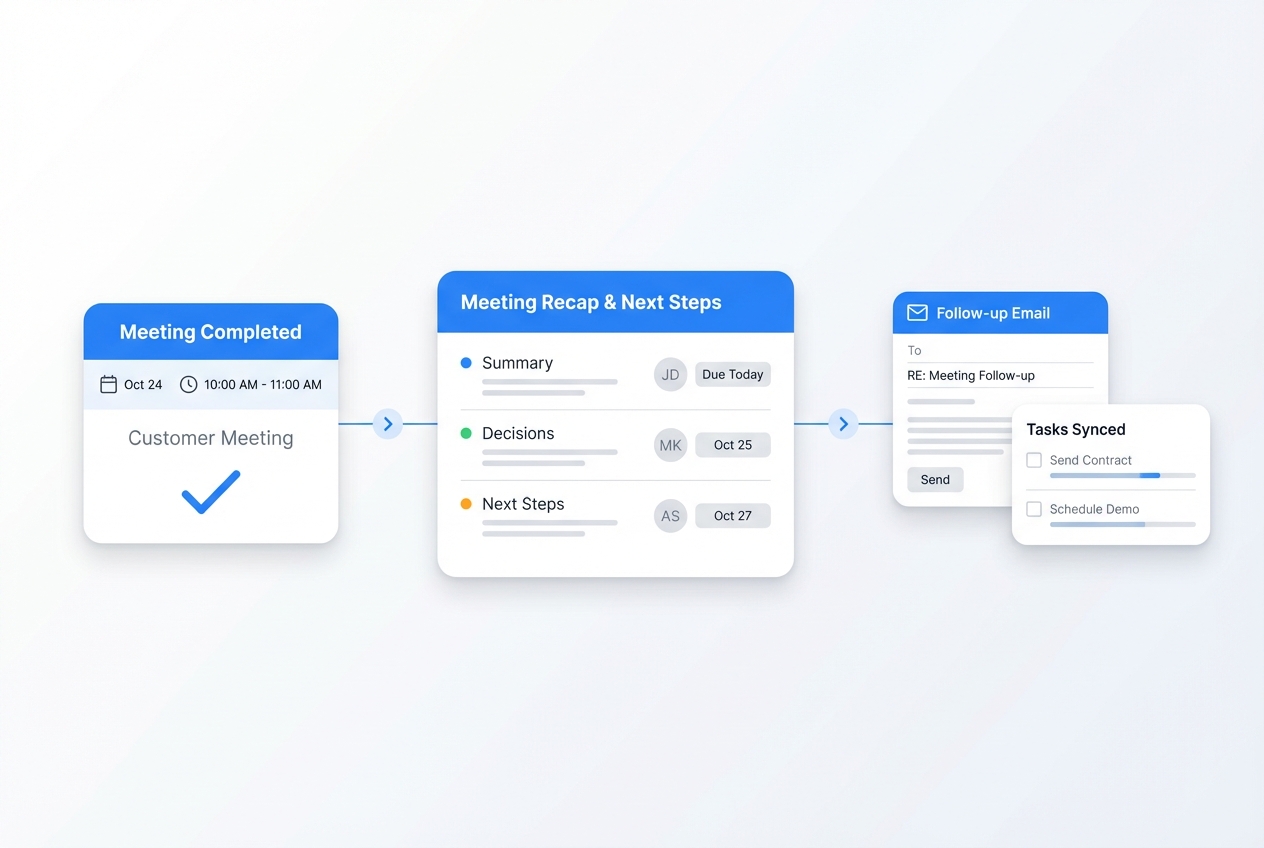
Ask and it’s handled: “Find a slot next week with this customer’s team,” “Reschedule my 1:1s around this trip,” or “Block time to prep before the QBR.” Clones check calendars, time zones, and constraints, send or propose invites, update agendas, and adjust linked tasks—without manual back‑and‑forth.
Run every scheduling flow with operator‑led calendar playbooks
Calendar & Scheduling Automation Clones from CloneForce plug into Google/Microsoft calendars, email, and meeting tools. They use operator‑defined playbooks for different meeting types and roles—so scheduling, rescheduling, and time protection follow clear rules instead of ad‑hoc habits.
Meeting Type & Priority Playbooks
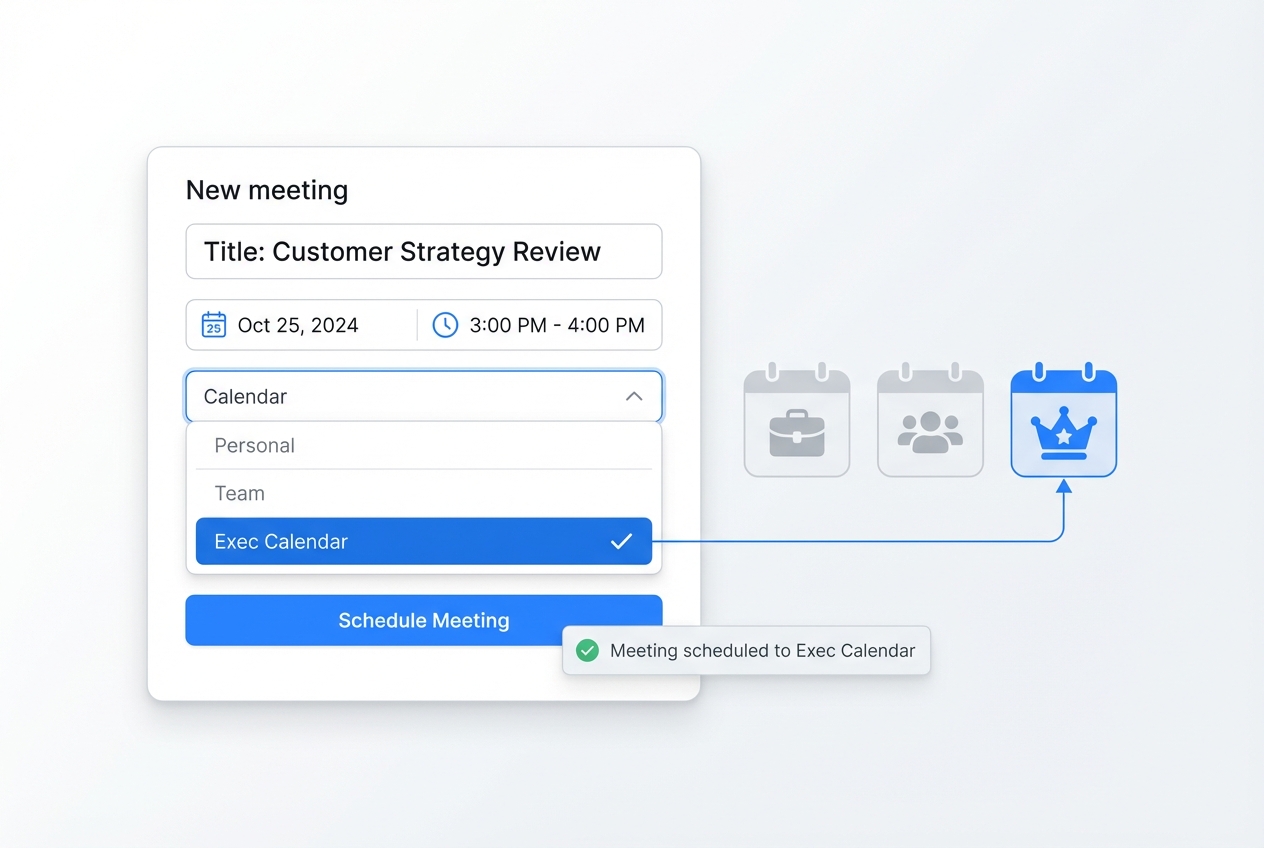
Clones use configurable playbooks for common meeting types—customer calls, internal reviews, interviews, 1:1s, standups, board/QBR sessions. Each playbook defines who can book, preferred times and durations, how much prep and follow‑up time to reserve, and what to do when conflicts arise. Clones apply these rules when proposing times, accepting, declining, or rescheduling, so meeting logistics follow your operating model automatically.

Cross‑time‑zone and multi‑stakeholder coordination

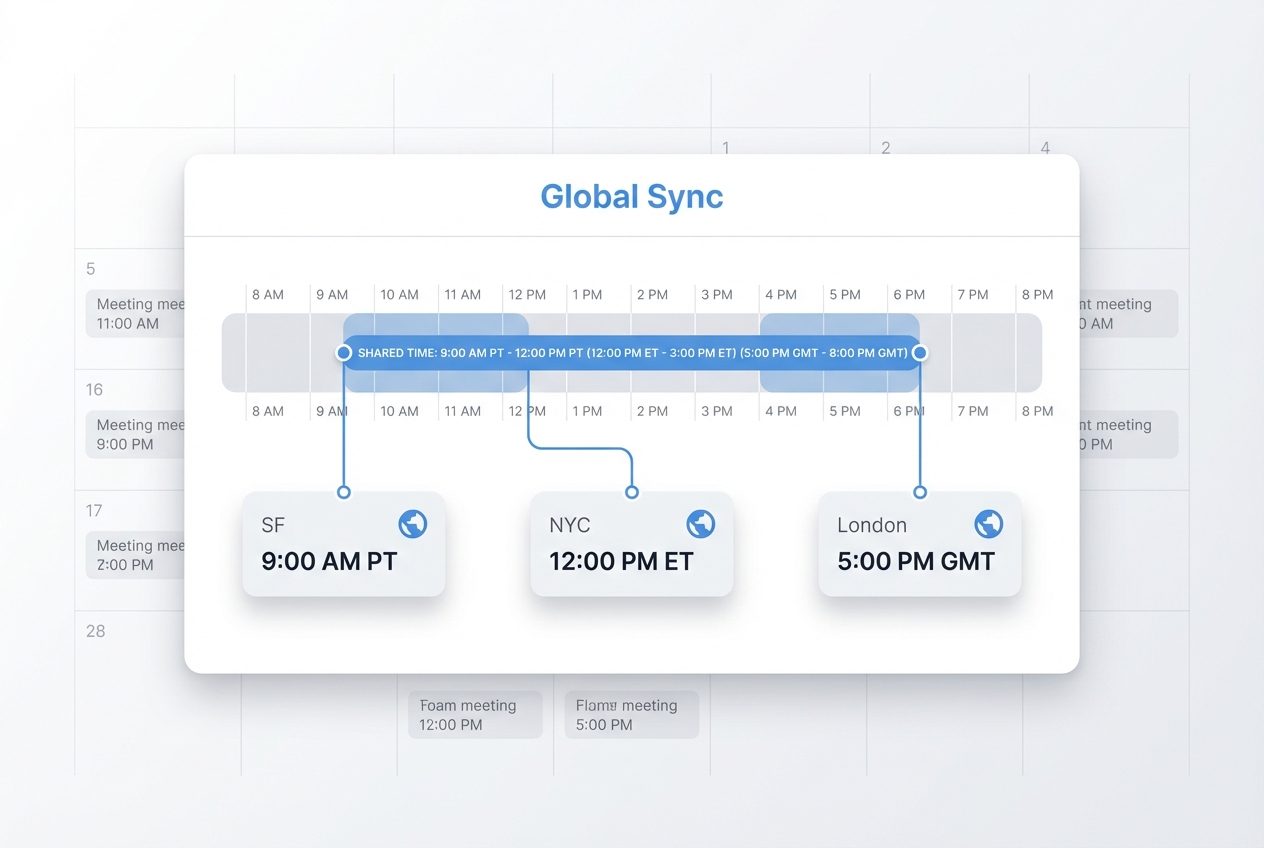
Clones handle time zones and complex attendee lists for you. They identify overlapping working hours, propose options that work across regions, and respect each participant’s calendar constraints. For multi‑stakeholder meetings, they manage holds, confirms, and agenda details so scheduling across Sales, Product, CS, and customers feels simple instead of like a puzzle.

Calendar‑aware focus time and travel management

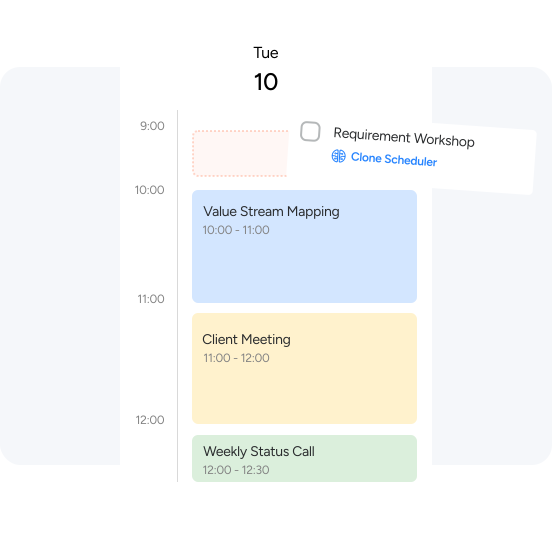
Clones automatically protect focus blocks and add travel buffers based on your location and meeting patterns. When trips or all‑day sessions appear, they proactively reschedule lower‑priority meetings, adjust prep windows, and suggest realistic alternatives—keeping your workload sustainable instead of stacking too much on either side of travel or deep‑work periods.

Smart rescheduling & cascade updates

When a high‑priority event must move others, Clones handle the cascade. They identify affected meetings, propose new times, update invites, and adjust linked tasks and deadlines, minimizing disruption and manual coordination.
Scheduling from email, chat, and forms
Clones watch for scheduling requests across email, Slack/Teams, and forms (“Can we meet next week?”, “Book onboarding with this team”). They convert those requests into concrete calendar options and draft responses, keeping all scheduling traffic in sync with your main calendar.
Your calendar & scheduling stack, connected
Calendar & Scheduling Automation Clones work in the tools you already use: Google or Microsoft calendars, email, conferencing tools, and chat. They also connect to CRM and PM tools where needed, so meetings, tasks, and account or project context stay in sync.
Featured connections shown. Browse dozens more in the Skills Marketplace
Want to Learn More?
You have questions, we have answers. What can Digital Teammates do with your calendar without taking control away from you?
Ready to let Clones clean up your inbox?
See how Calendar & Scheduling Automation Clones can keep your time, meetings, and focus blocks aligned with your priorities—so you can spend less time coordinating and more time doing the work that matters.
Contact Us