CloneForce for Customer Success & Support

Keep customers happy and informed — with AI Clones that handle notes, health, and tickets

CloneForce for Customer Success & Support gives you Clones that capture meeting notes, prep QBRs, summarize account health, triage tickets, and power FAQs. They plug into your CRM, helpdesk, calendars, and docs so your team can focus on relationships and outcomes—not chasing info across tools.
We get it, staying ahead of every customer while drowning in tickets is chaos
Customer teams juggle nonstop tickets, renewal risks, and executive check‑ins—all while hunting through email, call recordings, and dashboards to understand what’s actually going on. Notes get lost, QBR decks start from scratch, and simple questions still hit your queue. Clone‑powered Customer Success & Support routes the right work to the right Clone, keeping notes, health, and FAQs up to date in the background.
Clean, consistent notes for every key customer touchpoint
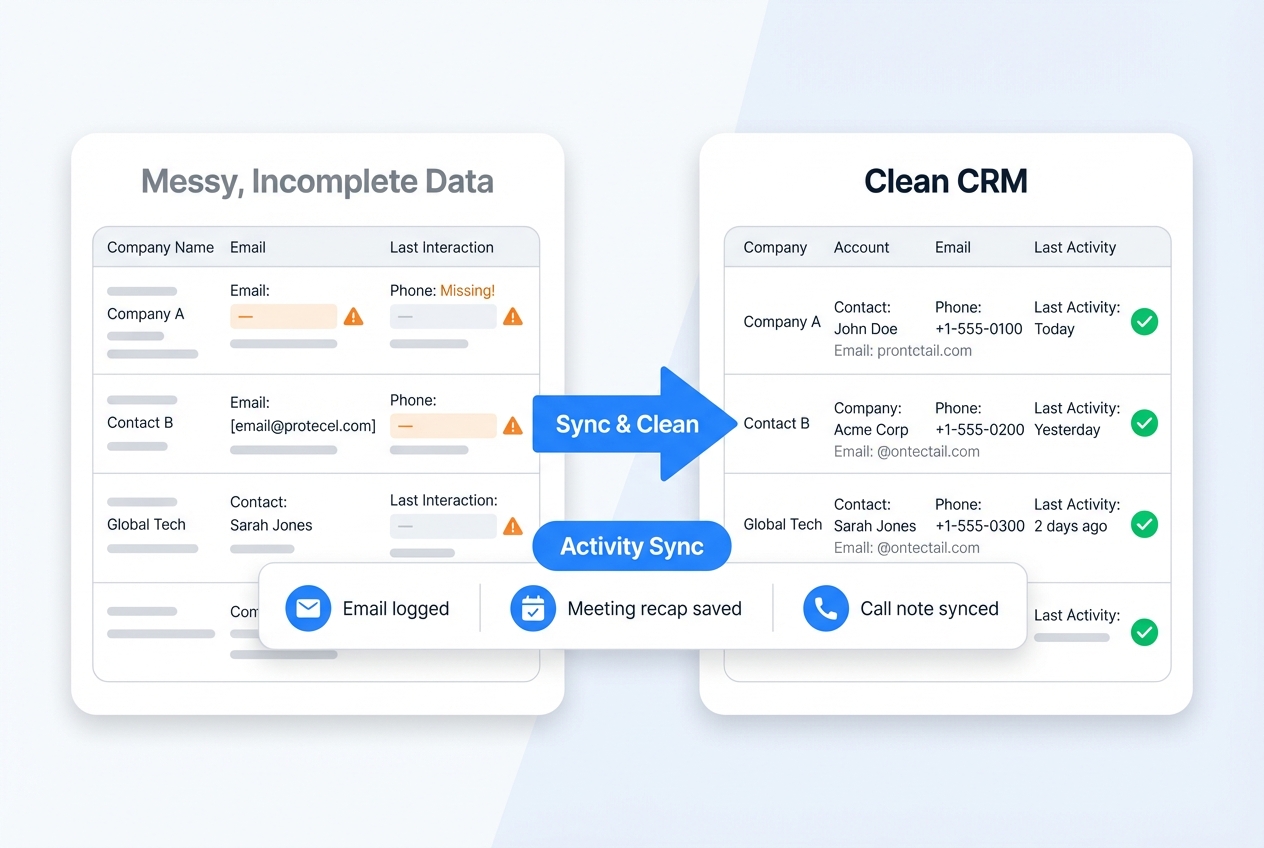
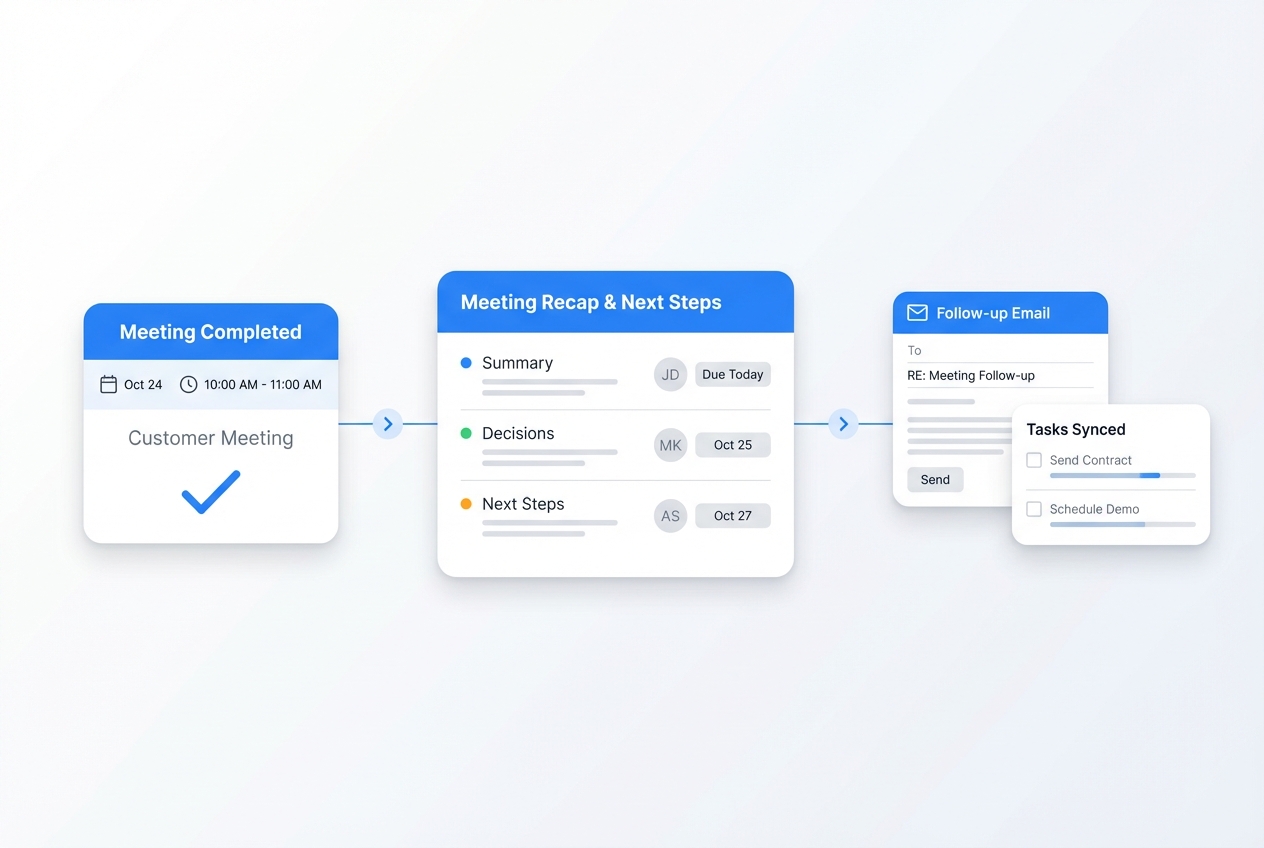
Clones join or process your customer meetings to produce structured notes: goals, usage, risks, and action items. They sync summaries back into your CRM or success platform, so anyone can open an account and instantly see the latest context instead of listening to an hour of recording.
QBRs and health summaries that don’t start from a blank slide
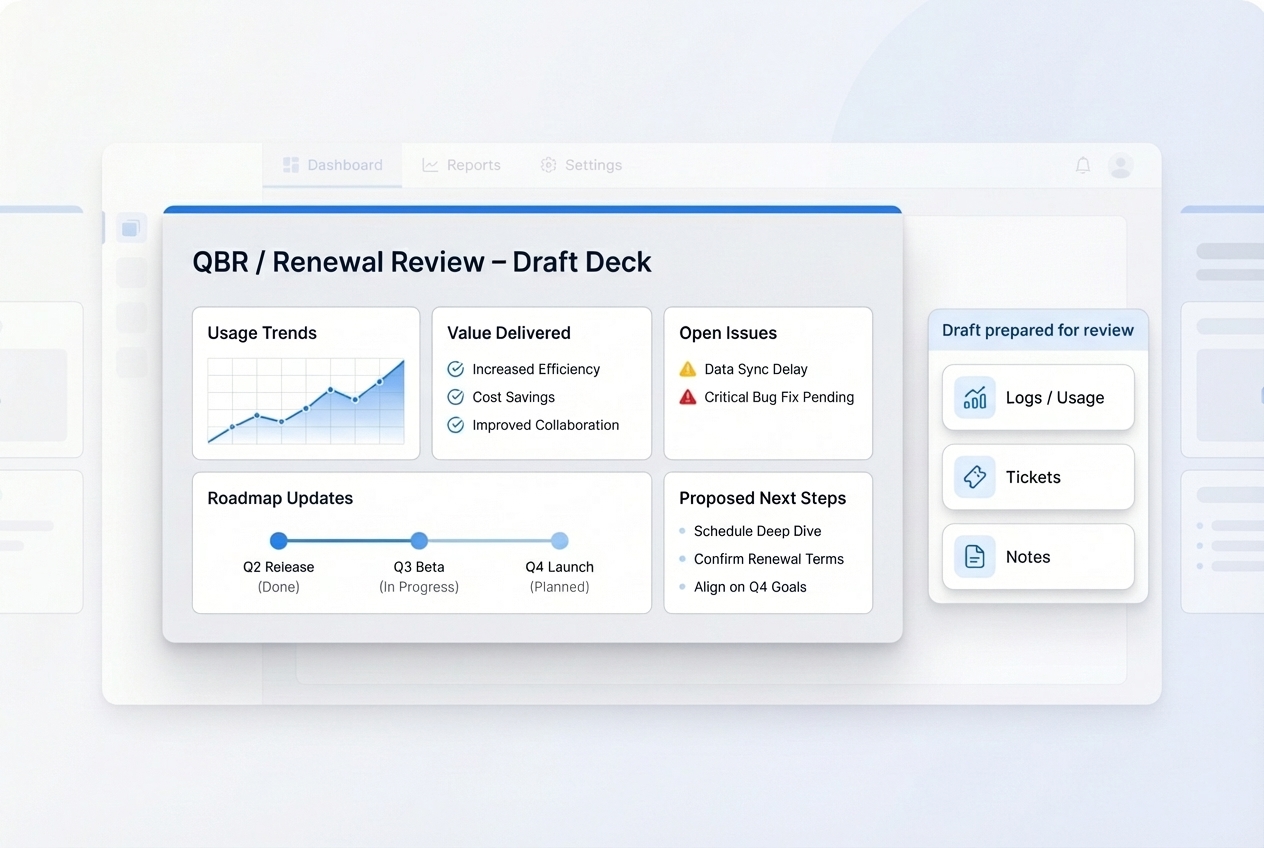
From product usage, ticket history, and past meetings, Clones draft QBR decks and account health summaries in Docs or Slides. They pull in key trends, milestones, and risks, then propose talking points and next steps. CSMs review and tailor the message, instead of spending hours assembling screenshots and bullet points.
Ticket triage and FAQ handling that keeps queues moving
Support Clones categorize new tickets, surface related articles, and draft first responses. For common questions, FAQ agents can resolve issues end‑to‑end using your knowledge base and product rules. Your human agents focus on complex cases and high‑touch customers, while Clones clear the repetitive front line.
Run every customer touchpoint with engagement‑aware Clones
CloneForce Clones connect to your CRM, helpdesk, calendar, and docs to follow the entire customer journey—from onboarding calls and check‑ins to escalations and renewals. They capture what was said, what was promised, and what needs to happen next, then keep your team and your customers aligned without manual re‑typing.
Meeting notes and action items that stay in sync with your CRM
After onboarding calls, check‑ins, and escalation meetings, Clones turn raw conversations into structured notes and action lists. They tag stakeholders, risks, and follow‑ups, then push updates into your CRM or success platform. Health scores, renewal risks, and playbooks stay informed by what’s actually happening in conversations—not just what gets typed in afterward.

QBR and renewal prep in a few clicks
Before a QBR or renewal review, Clones assemble a draft deck: usage trends, value delivered, open issues, roadmap updates, and proposed next steps. They pull data from product analytics, ticket systems, and past notes, and drop it into your preferred Slide or Doc template. CSMs refine the story and messaging while the Clone handles the data‑hunting and formatting.
Health summaries that tell you where to lean in
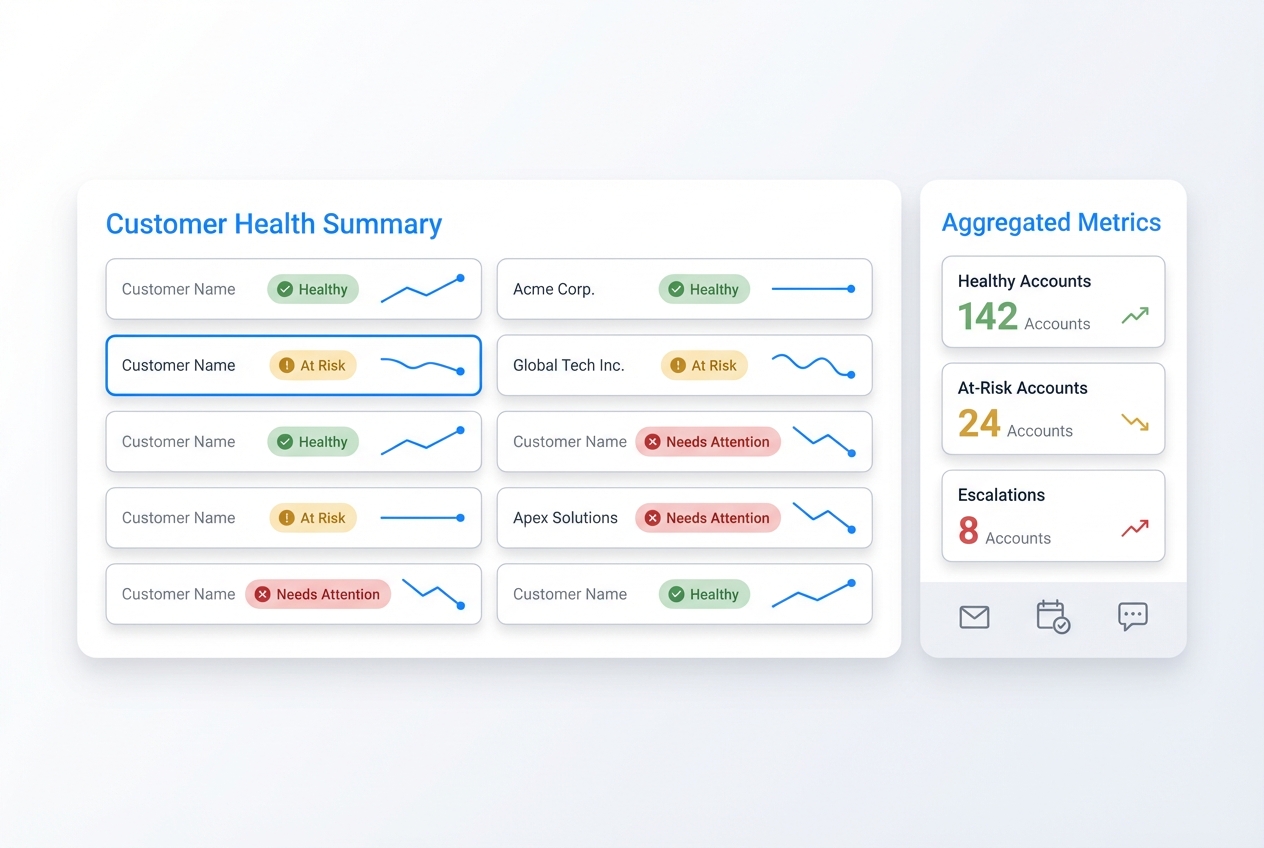
Clones blend signals—product usage, ticket history, sentiment from notes, and renewal dates—into concise health summaries for each account. They highlight early warning signs, upcoming milestones, and suggested plays. Managers can scan a portfolio view, while individual CSMs get clear guidance on which customers need attention this week.
Ticket triage and smart routing
Support Clones read new tickets as they arrive, classify them, and route them based on severity, product area, and customer tier. They can attach relevant internal docs, suggest macros, and propose draft replies that agents can send with a quick review. Simple issues get unblocked faster; complex ones land with the right experts from the start.
Always‑on FAQ and self‑service agents
FAQ Clones sit on top of your help center, product docs, and internal runbooks to answer common questions directly. They maintain context across a session, link back to official articles, and escalate gracefully when a human needs to step in. Customers get quick, accurate answers 24/7 while your team’s queue shrinks.
Your Customer Success & Support stack, connected
Customer‑facing Clones work inside the tools your teams already rely on: CRM, helpdesk, calendar, docs, and chat. Connect Salesforce or your CRM, systems like Zendesk or Intercom, Google or Microsoft, and your knowledge base, and Clones will keep notes, tickets, and QBRs aligned without forcing anyone into a new system.
Featured connections shown. Browse dozens more in the Skills Marketplace
Want to Learn More?
You have questions, we have answers. Here’s what Customer Success and Support leaders usually ask before bringing Clones into their customer workflows.
Ready to scale Customer Success & Support with Clones?
See how Customer Success & Support Clones can keep notes, health, tickets, and QBRs under control—so your team can spend more time building relationships and driving renewals.
Contact Us