Digital Teammate — Customer Success / Support Clone

Customer Success / Support Clone that handles tier‑1 tickets, follow‑ups, and QBR prep

Your Customer Success / Support Clone is a Digital Teammate that manages tier‑1 support, routes and triages tickets, drafts follow‑ups after customer calls, and prepares QBR summaries with research‑backed context. It plugs into your help desk, inbox, calendar, meeting tools, research, and docs—so your team can focus on high‑value conversations while your Clone keeps every customer touchpoint moving.

Without a Customer Success / Support Clone, keeping up with customers and tickets is constant firefighting

Support queues spike, low‑complexity tickets clog the line, and CSMs are buried in follow‑ups and QBR prep. Notes from calls live in scattered docs and CRM fields, while important customer signals get lost in the noise. A Customer Success / Support Clone takes on the frontline work—tier‑1 responses, triage, meeting follow‑ups, and QBR drafts—so your team can spend their time on relationships and outcomes, not copy‑pasting between tools.
Tier‑1 support and intelligent ticket triage
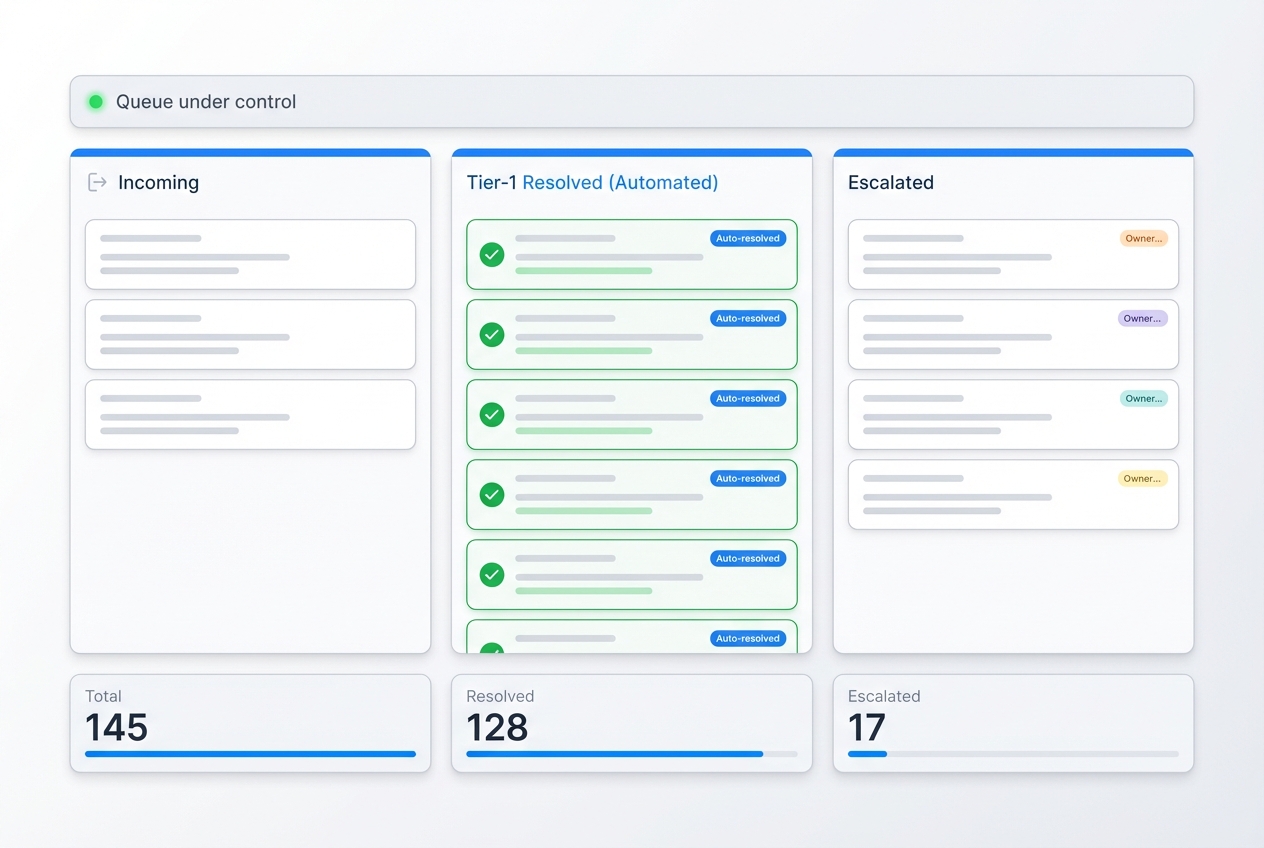
Your Clone handles repeatable tier‑1 questions using your knowledge base, macros, and historical tickets, escalating only what truly needs a human. It tags tickets with the right priority, product area, and customer segment, then routes them to the right owner. Instead of sifting through a noisy queue, your team sees a prioritized view—with quick wins already resolved.
Call notes, follow‑ups, and action items after every customer meeting
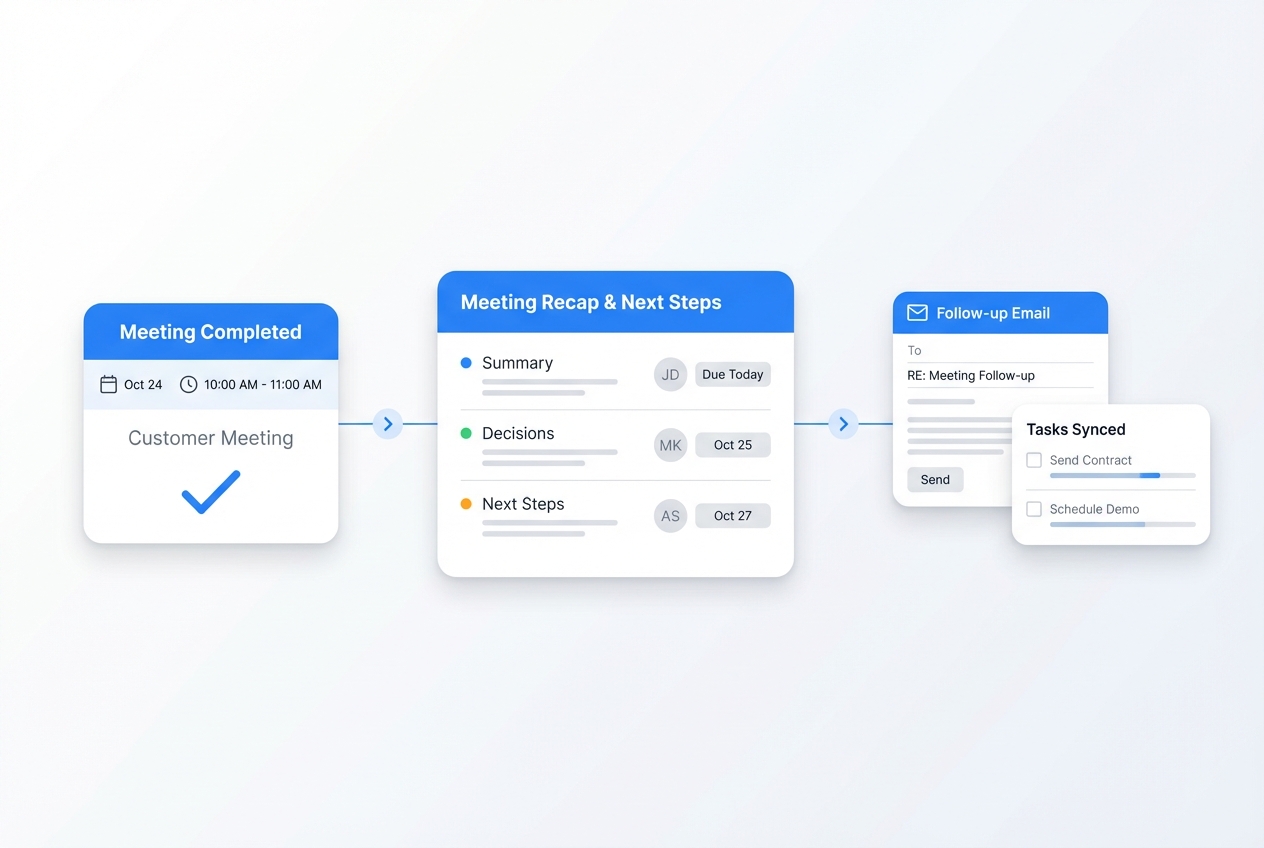
When CSMs and account teams run customer calls, your Clone captures the discussion, pulls out commitments and risks, and drafts follow‑up emails in your voice. It logs key points to your CRM or success platform and links back to the full notes. Your team stops rewriting the same recap from scratch and never loses track of “we’ll get back to you on that.”
QBR prep that starts from real usage, not a blank slide
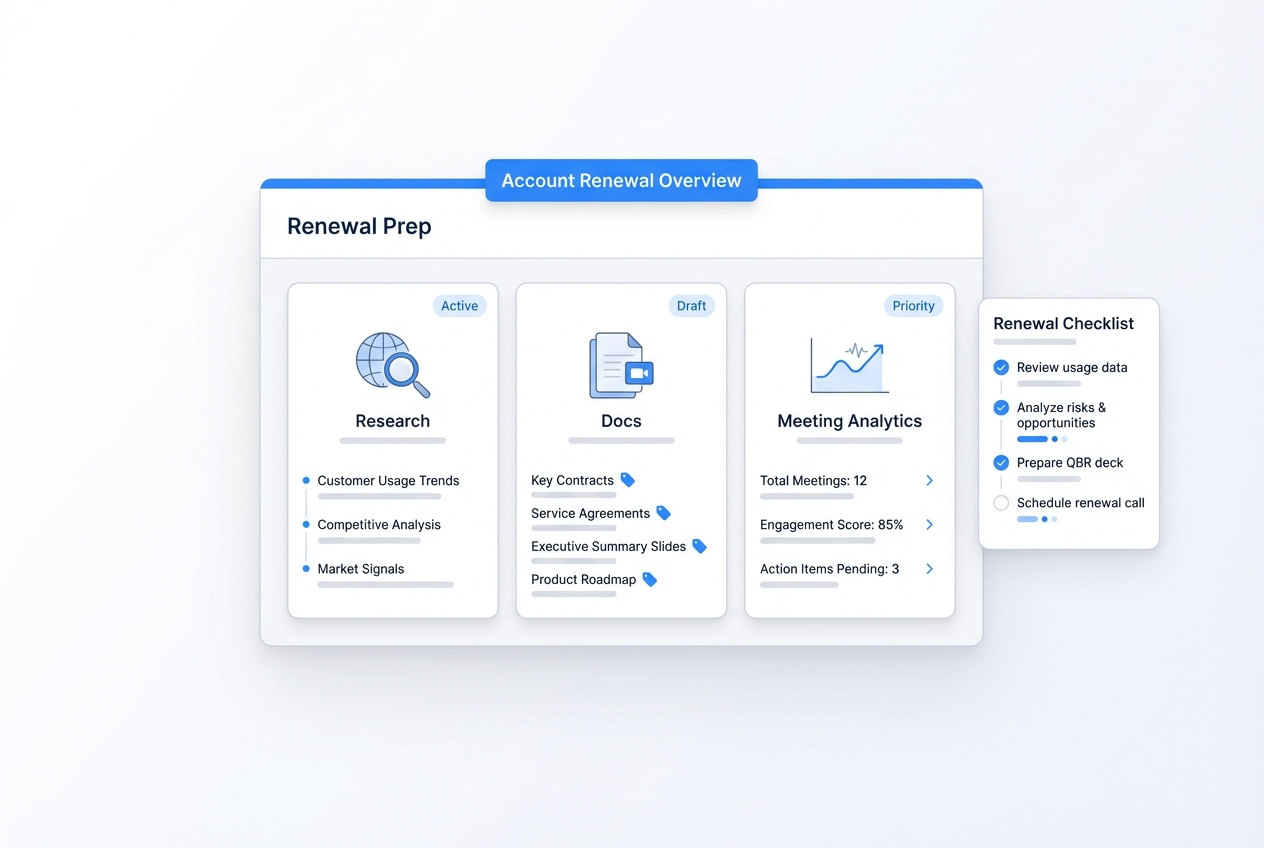
Ahead of QBRs, your Clone pulls product usage, prior tickets, previous QBR decks, and key email threads into a draft narrative. It highlights value delivered, open risks, and potential expansion areas, and drafts slides or briefs your team can refine. Instead of weekend deck marathons, CSMs review and adjust a strong first draft.

Run every customer touchpoint with your Customer Success / Support Clone

Your Customer Success / Support Clone sits across your help desk, email, calendar, meeting platform, CRM, and documentation. It understands your customer lifecycle—from first ticket to renewal and expansion—and quietly handles tier‑1 responses, triage, follow‑ups, and QBR prep so your team can stay ahead of churn risks and focus on strategic moments with customers.

Tier‑1 resolution and triage that keeps the queue under control

Your Clone monitors inbound tickets and support emails, answers common questions using your knowledge base, and proposes replies for agent approval when needed. It tags and routes tickets based on product, priority, and customer value, and surfaces patterns like recurring issues or at‑risk accounts. Instead of drowning in low‑value work, your team gets a cleaner queue, faster first responses, and clearer focus on complex cases.
Customer meeting follow‑ups that write themselves
After a customer call, your Clone combines the transcript, prior notes, and relevant docs to draft a recap email with agreed actions, deadlines, and linked resources. It updates CRM fields or success plans with new commitments and flags any renewal or expansion signals. CSMs move straight to editing and sending, instead of starting every recap from a blank page.
QBR and renewal prep with Research, Docs, and Meeting Analytics
For QBRs and renewal conversations, your Clone pulls together product usage charts, past tickets, meeting notes, and external research into a cohesive brief or deck. It highlights value realized, open risks, competitive context, and suggested talking points. Your team walks into the meeting with a structured story and a clear ask, not a last‑minute scramble.

Proactive health checks and risk flags

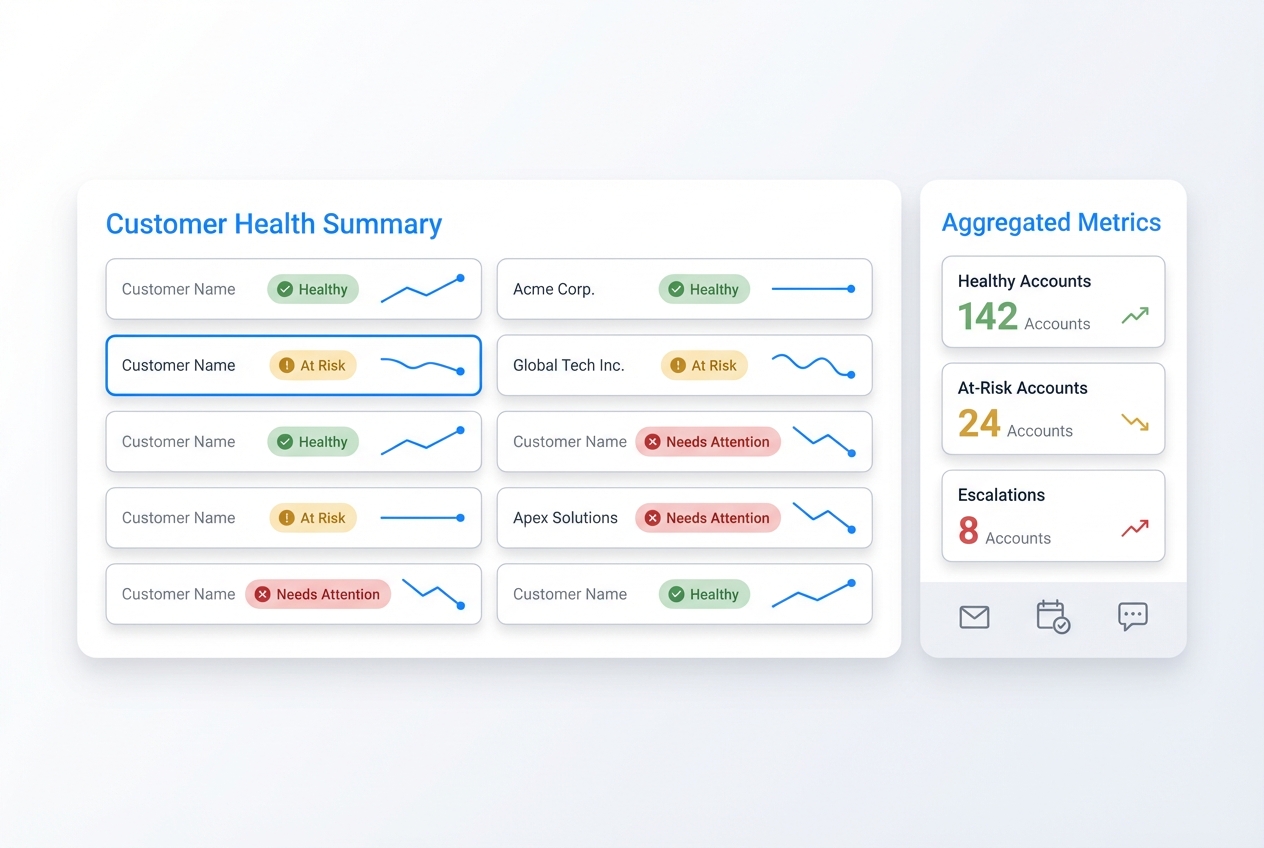
Your Customer Success / Support Clone watches for signals across tickets, emails, and meeting notes—like rising ticket volume, repeated complaints, or stalled projects. It compiles these into customer health summaries and flags accounts that may need outreach before renewal is at risk.
Customer‑ready documentation and response drafts
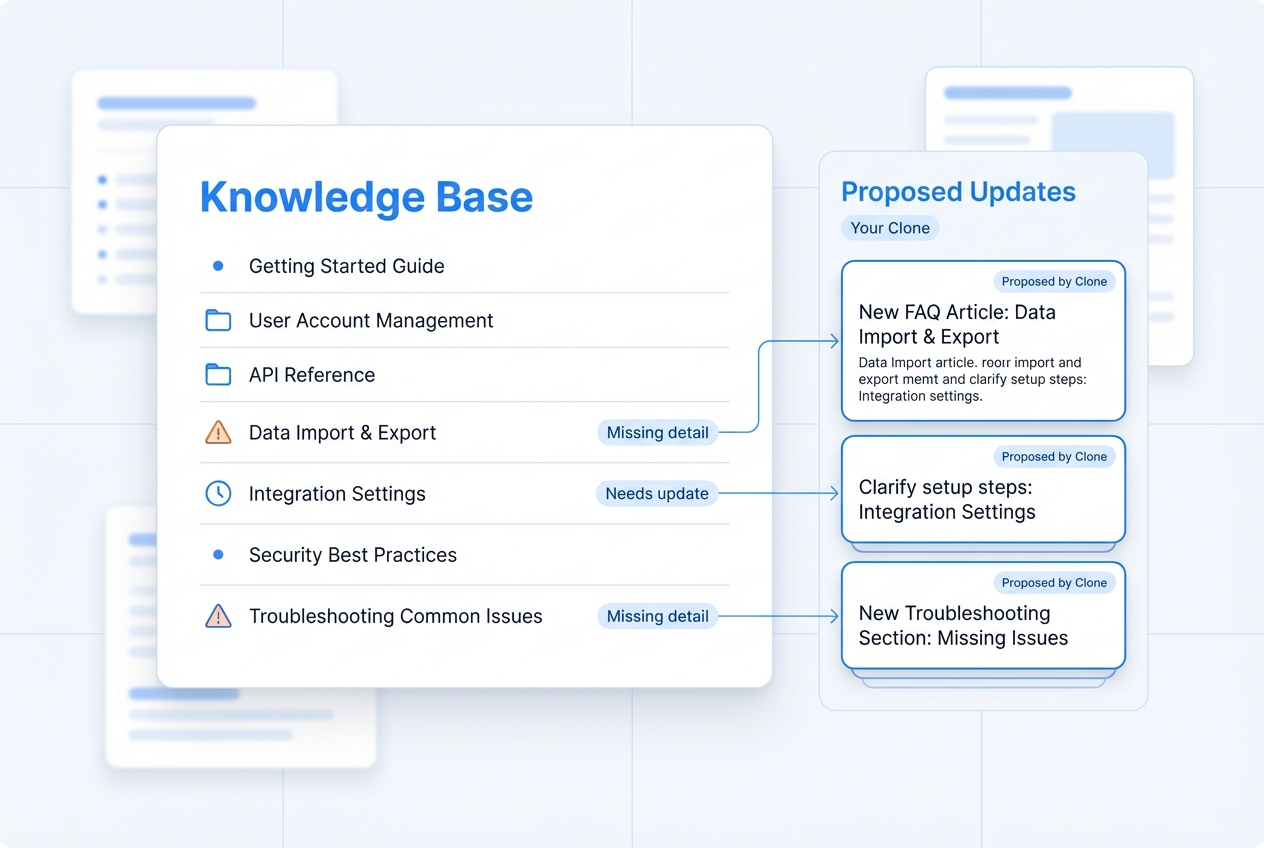
When customers ask for “how‑to” guidance or clarifications, your Clone drafts responses that reference the right docs, screenshots, or internal runbooks. It can also propose updates to your knowledge base when it sees repeated gaps. Your team spends less time hunting for the right link and more time solving higher‑order problems.
Your Customer Success / Support Clone stack, connected
Your Customer Success / Support Clone works inside the tools your teams already use—help desk, email, calendar, meeting platforms, CRM, and docs. Connect systems once, and your Clone keeps support queues, customer follow‑ups, and QBR prep moving without adding yet another system to manage.
Featured connections shown. Browse dozens more in the Skills Marketplace
Questions about your Customer Success / Support Clone?
You have questions, we have answers. Here’s what teams usually ask before they deploy a Customer Success / Support Clone alongside their CSMs and support agents.
Ready to deploy your Customer Success / Support Clone?
See how a digital teammate can keep your queues under control, your follow‑ups on time, and your QBRs prepared—without hiring another human for every shift.
Contact Us