CloneForce for Email Triage & Inbox Management

Get out of email overload — with AI Clones that triage, draft, and keep your inbox under control

Email Triage & Inbox Management Clones from CloneForce live in your inbox. They categorize messages, surface what matters, draft replies, and turn “I’ll do that” moments into tracked tasks—so you can spend more time on high‑value conversations and less time sorting, starring, and searching.
We get it, living in an overloaded inbox is chaos
Most days start and end in email. Important messages get buried under newsletters, system alerts, and long reply‑alls. You star things you’ll “come back to,” manually forward and CC people to delegate, and hope you don’t miss something critical. CloneForce routes inbox work to Clones that triage, summarize, and draft—so your inbox becomes a prioritized work queue instead of a bottomless pit.
Turn your inbox into a prioritized worklist
Clones classify incoming messages into clear buckets like Urgent, Needs Reply, Delegated, and FYI, based on sender, content, and your preferences. They surface the small set that truly requires your input and push the rest into the right views, so you can start your day with a short, actionable list instead of 200 unread emails.
Clones learn your patterns, contacts, and voice
Over time, Clones learn which senders and topics you care about most, how you typically respond to common requests, and which messages you ignore. They use that knowledge to prioritize, propose labels/folders, and draft replies in your tone and structure, so automation feels like you—just faster and more consistent.
Clones do the drafting and follow‑through—accurately, fast, in context
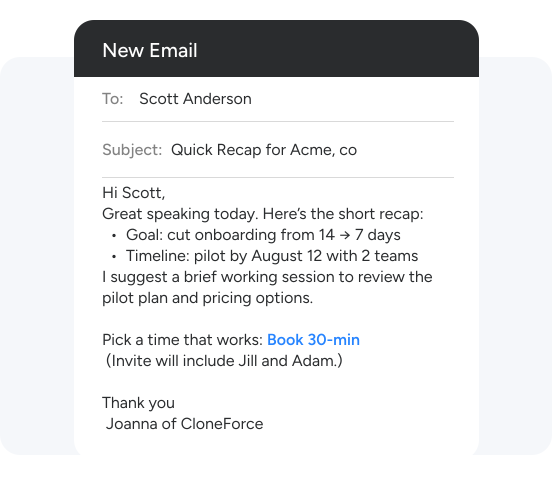
Ask and it’s handled: “Summarize this thread and propose a reply,” “Draft intros and follow‑ups from today’s meetings,” or “Turn these requests into tasks.” Clones read the thread, pull in relevant context, generate the response, and connect to your task or PM tools so commitments don’t fall through the cracks.

Run every inbox with operator‑led triage & drafting playbooks
Email Triage & Inbox Management Clones from CloneForce operate inside your existing email stack (Gmail or Outlook). They listen for new messages, observe how you process them, and run playbooks that categorize, summarize, and draft so your inbox always reflects your priorities—not just arrival order.
Inbox Triage Playbooks
Clones apply your triage rules across incoming email: routing by sender, domain, topic, and urgency. They mark key threads as Needs Reply or Urgent, suggest Delegated or FYI for others, and can auto‑archive or snooze low‑value items like bulk notifications. You can adjust the rules as you go, and the Clone adapts to your evolving patterns.

Summaries & reply drafting

Clones aggregate content across meetings—customer calls, internal reviews, incidents—into analytics views. They surface which accounts or projects are getting the most meeting time, common topics and objections, sentiment trends, and where follow‑ups pile up. Instead of reading dozens of transcripts, leaders see patterns and outliers in a single dashboard.

Tasks & follow‑ups extracted from email

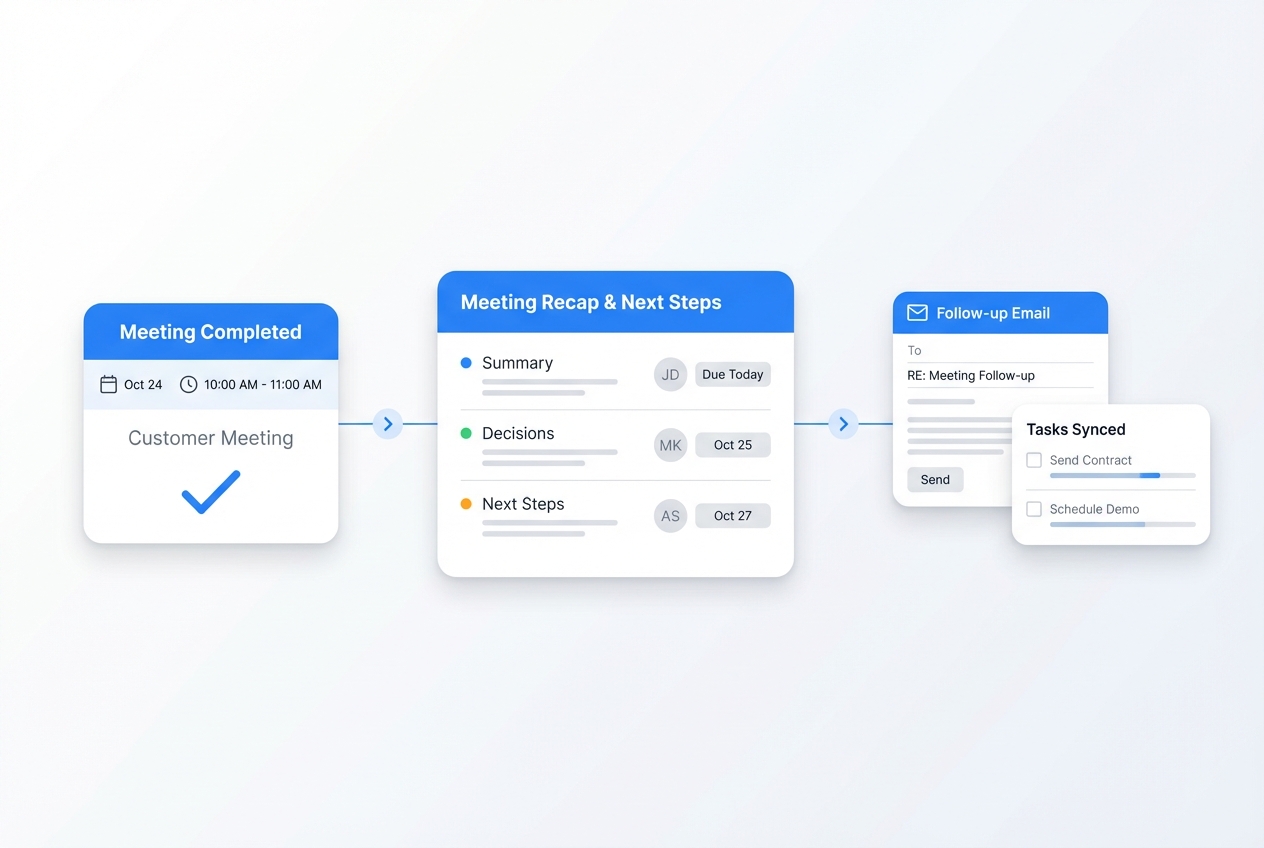
Clones scan messages for commitments and requests—“I’ll send this by Friday,” “Can you review this?”—and turn them into tasks with owners and dates in your PM or task system. Ahead of deadlines, they remind you and can surface the original thread for context, reducing the chance that important follow‑ups get lost.

Smart delegation and routing

Clones help route messages to the right people or shared inboxes, drafting handoff notes with context from the thread. They can suggest assignees based on past patterns and update any related CRM or ticket records where appropriate, so delegation doesn’t require manual copy‑paste.
Calendar & doc‑aware responses
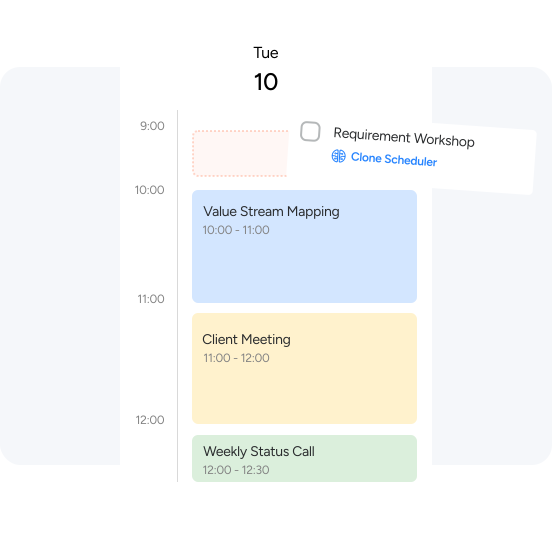
When you receive requests to meet or review documents, Clones check your calendar and Drive/SharePoint to propose times and attach the right files or links. They can draft the full response—“Here are a few times that work, plus the latest deck”—ready for you to approve and send.
Your inbox & productivity stack, connected
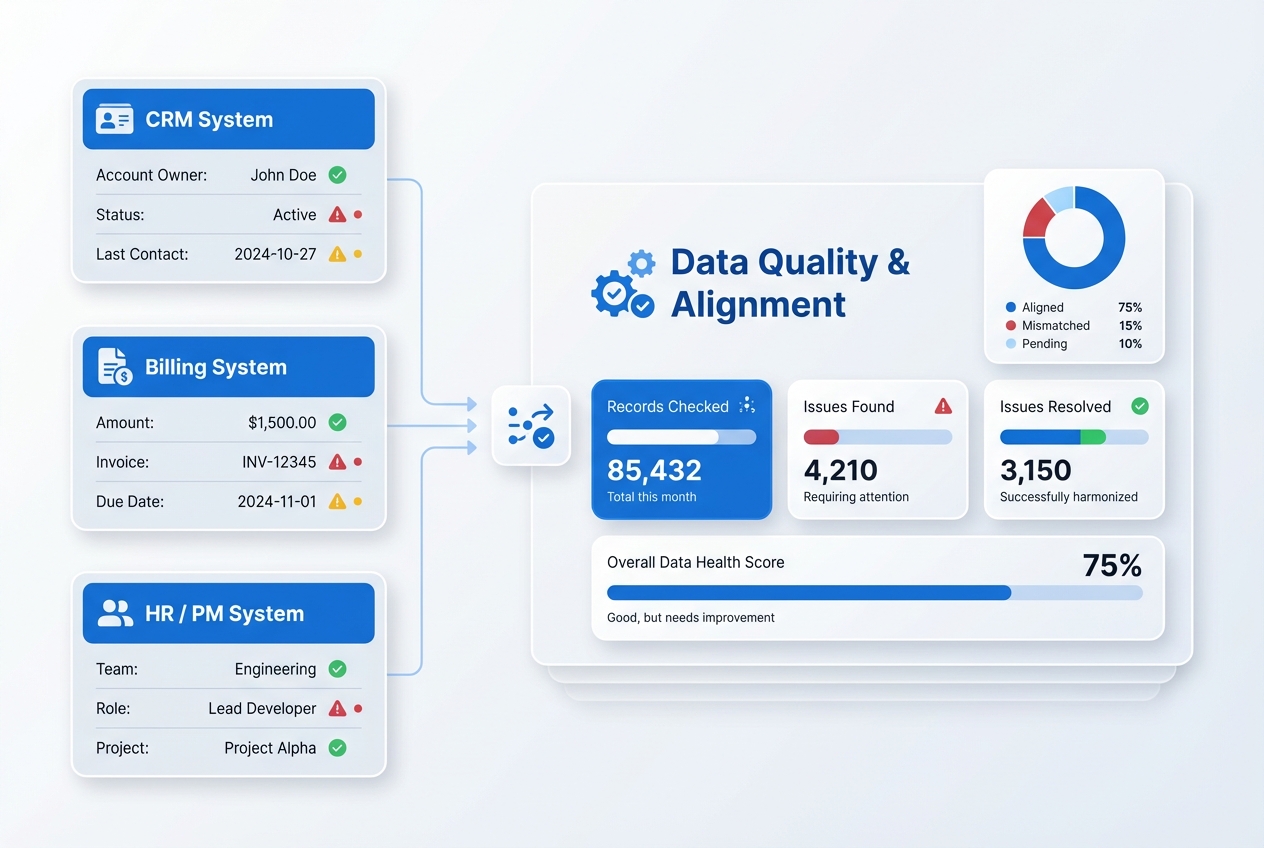
Email Triage & Inbox Management Clones work in the tools you already use: Gmail or Outlook for email, plus calendars, docs, CRM, chat, and PM tools. Connect your stack once, and Clones can pull context from those systems and push tasks, notes, and tags back into them.
Featured connections shown. Browse dozens more in the Skills Marketplace
Want to Learn More?
You have questions, we have answers. What can a Digital Teammate do inside your inbox without taking control away from you?
Ready to let Clones clean up your inbox?
See how Email Triage & Inbox Management Clones can turn an overwhelming inbox into a focused, prioritized workflow—so you can spend more time doing the work, not just reading about it.
Contact Us