CloneForce for Google Workspace (Gmail, Calendar, Drive)

Tame your inbox, calendar, and docs — with AI Clones that work where you already do

Google Workspace + CloneForce gives you Digital Teammates that live in Gmail, Calendar, and Drive. Clones triage email, prepare meeting briefs, capture notes, draft follow‑ups, and keep key docs organized—so your team can focus on decisions and deep work instead of digging through threads and folders.
We get it, living in email, meetings, and scattered docs is chaos
Most teams run on Gmail, Calendar, and Drive—but critical information ends up buried in long threads, overloaded calendars, and “final_v7” documents. Prep happens five minutes before meetings, follow‑ups get lost, and no one has time to keep shared docs tidy. With Google Workspace + CloneForce, Clones help you triage, prepare, and summarize directly in Workspace, so your team gets leverage without changing tools.
Run communications and meetings from a single, organized Workspace
CloneForce centralizes what matters across Gmail, Calendar, and Drive. Clones create lightweight briefs for key meetings, thread summaries for long email chains, and curated folders of important docs. Instead of hunting for context across tabs, you get a clear view of what’s important today and where to find it.
Clones learn your labels, folders, and working style
Connect your Google Workspace and show Clones how you label, file, and prioritize. They learn which senders, threads, and events matter most, how you structure docs, and how you like information summarized. They follow your conventions for labels, Drive organization, and naming, so automation feels like an extension of how you already work.
Clones do the triage and follow‑through—accurately, fast, in context
Ask and it’s handled: “Summarize this thread and draft a reply,” “Prep me for tomorrow’s call,” or “File all relevant docs for this project in one folder.” Clones scan email, calendars, and Drive; generate drafts; tag items appropriately; and keep key spaces up to date—so humans can focus on content and decisions instead of manual sorting.

Run every day in Workspace with operator‑led productivity playbooks
Google Workspace + CloneForce lets Clones act like digital assistants and chiefs of staff embedded in Gmail, Calendar, and Drive. They listen to messages and events, understand your responsibilities and projects, and run playbooks that keep your inbox, schedule, and docs working in your favor.
Inbox triage & drafting playbooks in Gmail
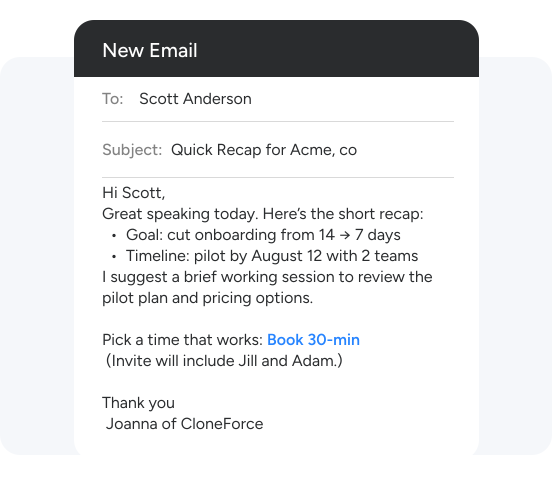
Clones help manage Gmail by categorizing incoming messages (Urgent, Needs Reply, Delegated, FYI), surfacing the few that truly need your attention, and drafting responses using your tone and templates. They can summarize long threads, extract tasks and commitments, and log key outcomes into notes or trackers—without you leaving Gmail.
Calendar‑aware meeting prep and recaps in Google Calendar
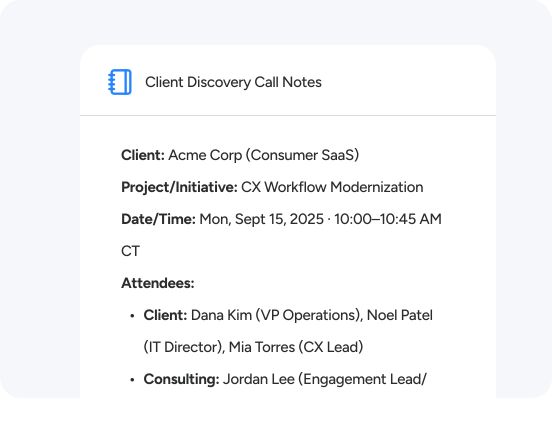
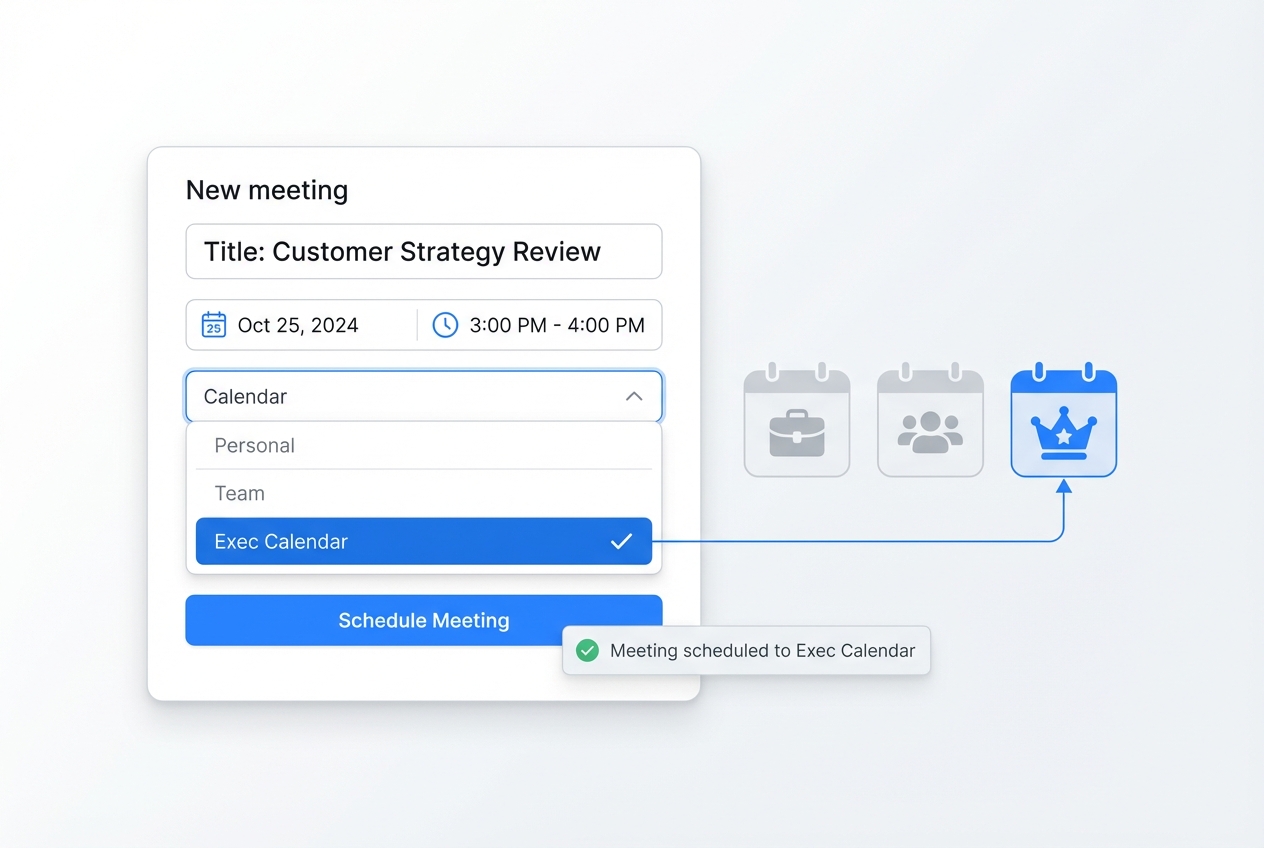
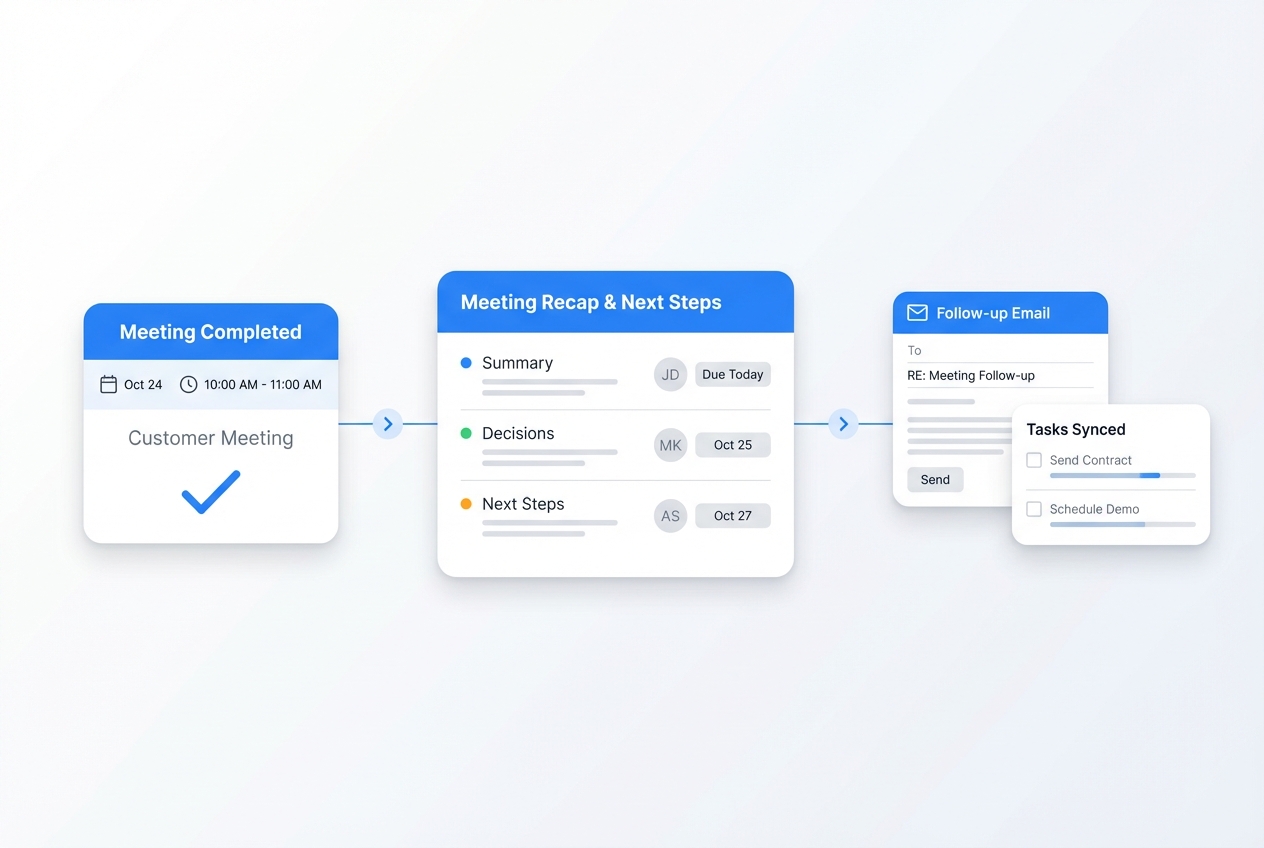
Clones watch your Google Calendar for important events, then prepare short briefs with participants, previous notes, key docs, and suggested agenda items. After the meeting, they draft recaps with decisions and next steps, attach them to the event, and file them into Drive—so your meeting history and action items stay organized automatically.
Drive organization, briefs, and living folders
Clones help keep Drive organized around projects, clients, or initiatives. They create and maintain “Briefs & Recaps” or “Project Hub” folders, file relevant docs and notes into them, and generate summary docs that link out to the important materials. Search and navigation become easier because your working docs are grouped the way you actually operate.
Task & reminder extraction from Gmail and Calendar
Clones scan emails and events to extract “I’ll do that” moments into concrete tasks with owners and dates. They can push these into your preferred task or PM tools—or even into simple Drive‑based trackers—so your commitments don’t live only in your head or scattered inbox.
Cross‑thread & cross‑meeting “what happened” briefs
On a cadence you choose, Clones create concise digests of what happened across key threads and meetings: decisions, risks, follow‑ups, and wins. These briefs link back to the original Gmail threads and Calendar events and can be stored in Drive, giving leaders and teams a quick way to catch up.
Your Google Workspace stack, connected
Google Workspace + CloneForce sits at the center of how your team already works. Clones operate in Gmail, Calendar, and Drive, but can also connect to Slack/Teams, CRM, PM tools, and other systems to pull in context and push out structured outputs—keeping Workspace a familiar home base for your day.
Featured connections shown. Browse dozens more in the Skills Marketplace
Want to Learn More?
You have questions, we have answers. What can Digital Teammates do inside Google Workspace without disrupting how you already work?
Ready to connect Google Workspace with CloneForce?
See how Digital Teammates in Gmail, Calendar, and Drive can keep you prepared, organized, and on top of follow‑through—without adding another tool to your day.
Contact Us