CloneForce for HubSpot & Other CRMs

Keep every record current — with AI Clones that live inside your CRM

HubSpot and other CRMs + CloneForce give you Digital Teammates that live alongside your contacts, companies, deals, and tickets. Clones capture notes from calls and emails, update fields, log activities, and draft follow‑ups—so sellers, CS, and ops get clean, current data without endless copy‑paste.
We get it, keeping CRM data clean and current feels impossible
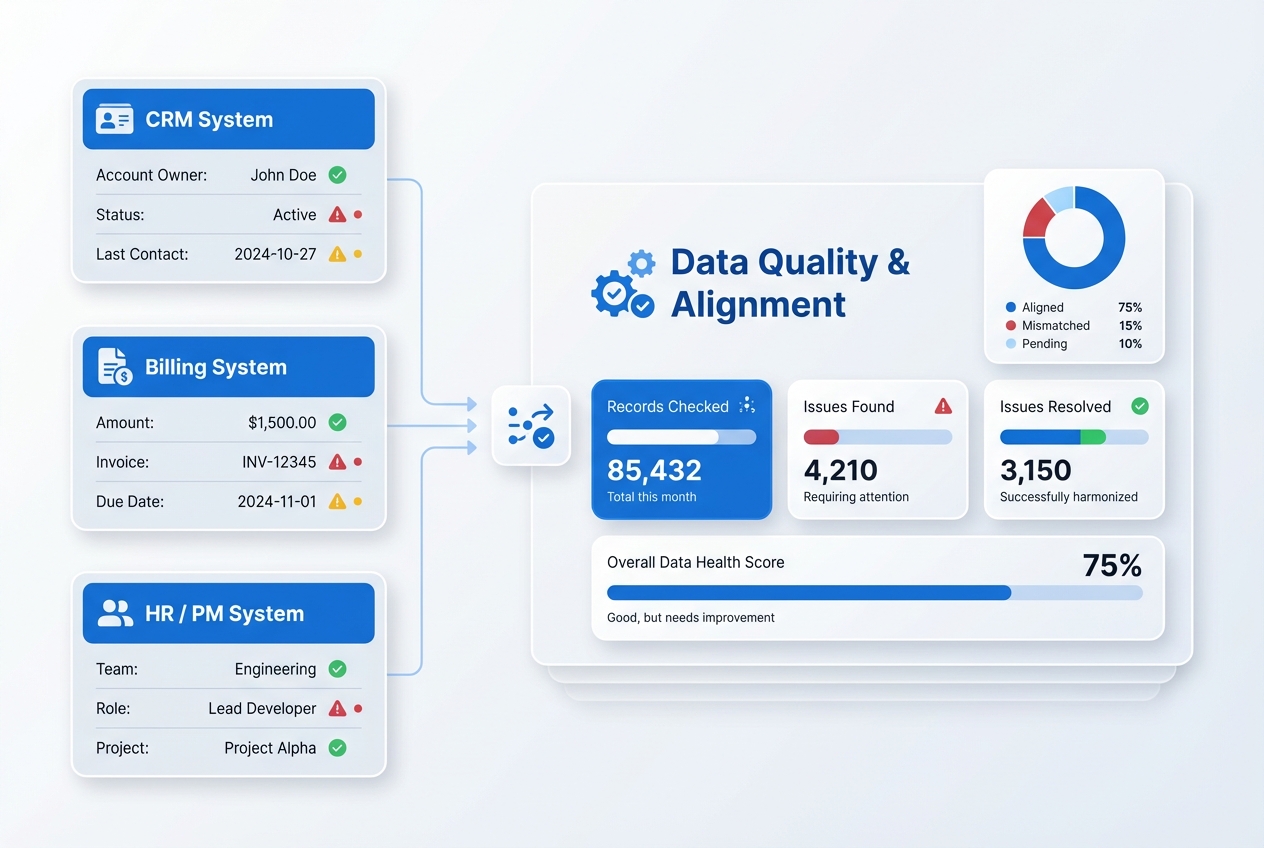
In HubSpot and other CRMs, the value lives in the details—but those details are scattered across emails, calls, meetings, and docs. Reps hate manual data entry, notes get skipped, and reports stop matching reality. HubSpot / CRM + CloneForce routes this work to Clones that capture, summarize, and update directly in your CRM—so teams work in their usual tools while the system of record finally stays trusted.

Turn every interaction into structured CRM activity

CloneForce centralizes signals from email, meetings, calls, and chat into HubSpot and other CRMs. Clones log activities, attach summaries, and tag owners and outcomes—so each contact, company, and deal has a timeline you can actually rely on.

Clones learn your fields, stages, and playbooks

Connect your CRM and define which objects, pipelines, and fields matter. Clones learn your deal stages, lifecycle definitions, naming conventions, and handoff rules. They respect team and record permissions while adapting to how you qualify, progress, and service accounts.

Clones handle updates, notes, and follow‑ups—accurately, fast, in context

Ask and it’s handled: “Summarize this call and update the deal,” “Log this email and create a follow‑up task,” or “Roll these notes into the account record.” Clones read activity in context, generate clean summaries, update fields, and draft next steps so humans can focus on conversations, not admin.
Run every revenue workflow with operator‑led CRM playbooks
HubSpot / CRM + CloneForce lets Clones act as digital teammates inside your revenue stack. They sit across records and timelines, understand your pipelines and segments, and run playbooks that keep notes, fields, and follow‑ups aligned—without asking reps to change how they sell or support.
Automatic activity capture & deal updates
Clones capture emails, calls, and meetings and translate them into structured CRM activity: who was involved, what was discussed, what changed, and what’s next. They suggest stage updates, adjust amounts or close dates when appropriate, and flag risks—so your pipeline reflects reality with far less manual effort.
Follow‑up drafting & task creation
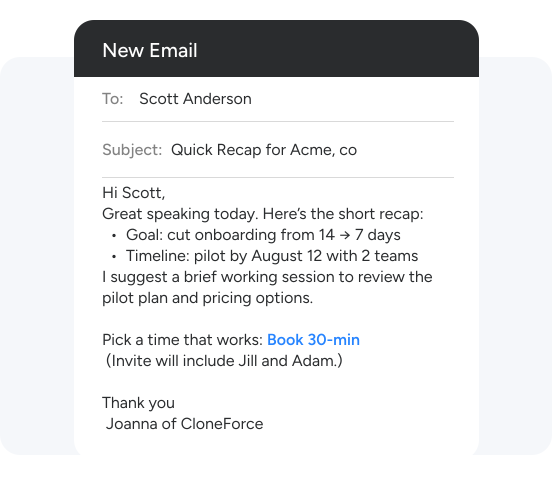
Clones draft personalized follow‑up emails, sequences, and CRM tasks based on the last interaction. They pull in context from the record—industry, role, deal stage, past issues—and propose clear next steps. Reps review, tweak if needed, and send, instead of starting every touch from a blank screen.
Account, opportunity, and ticket briefs
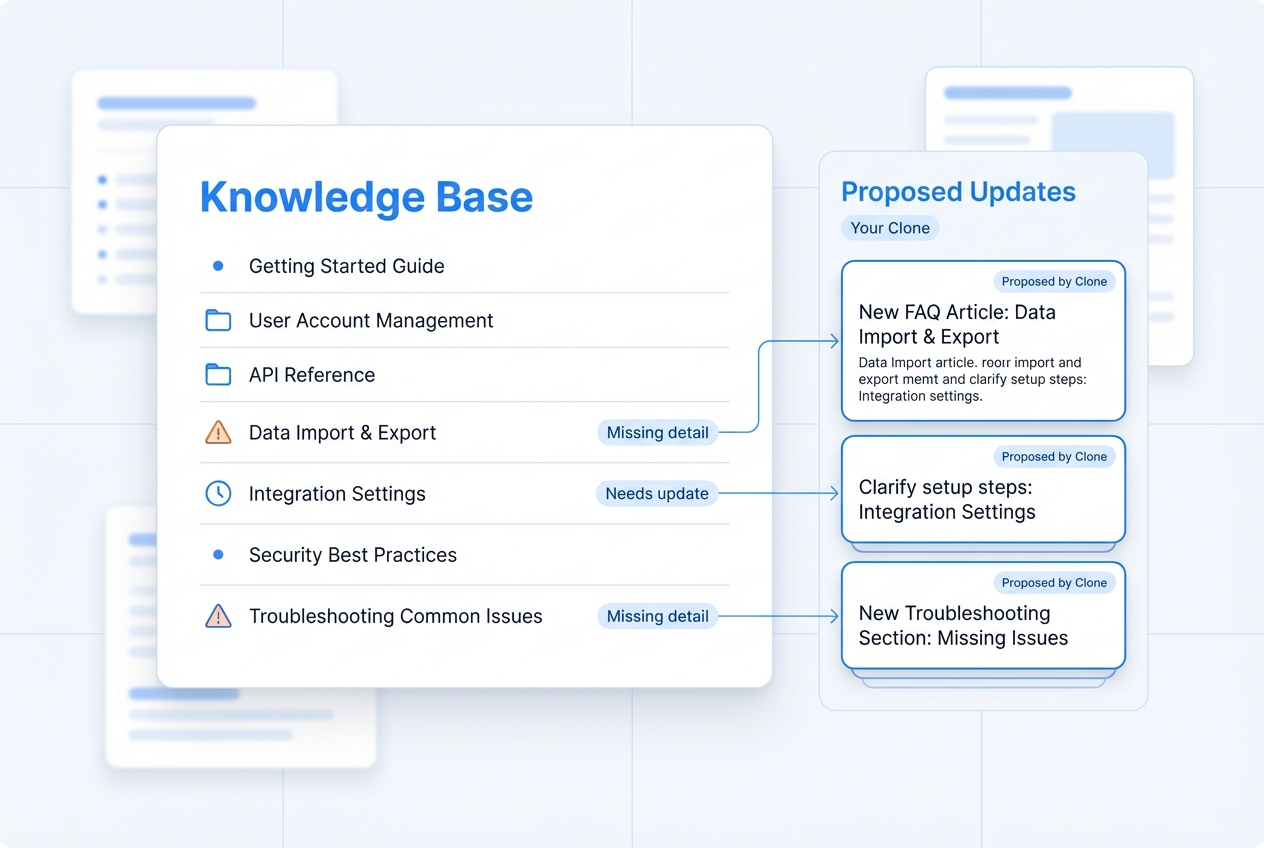
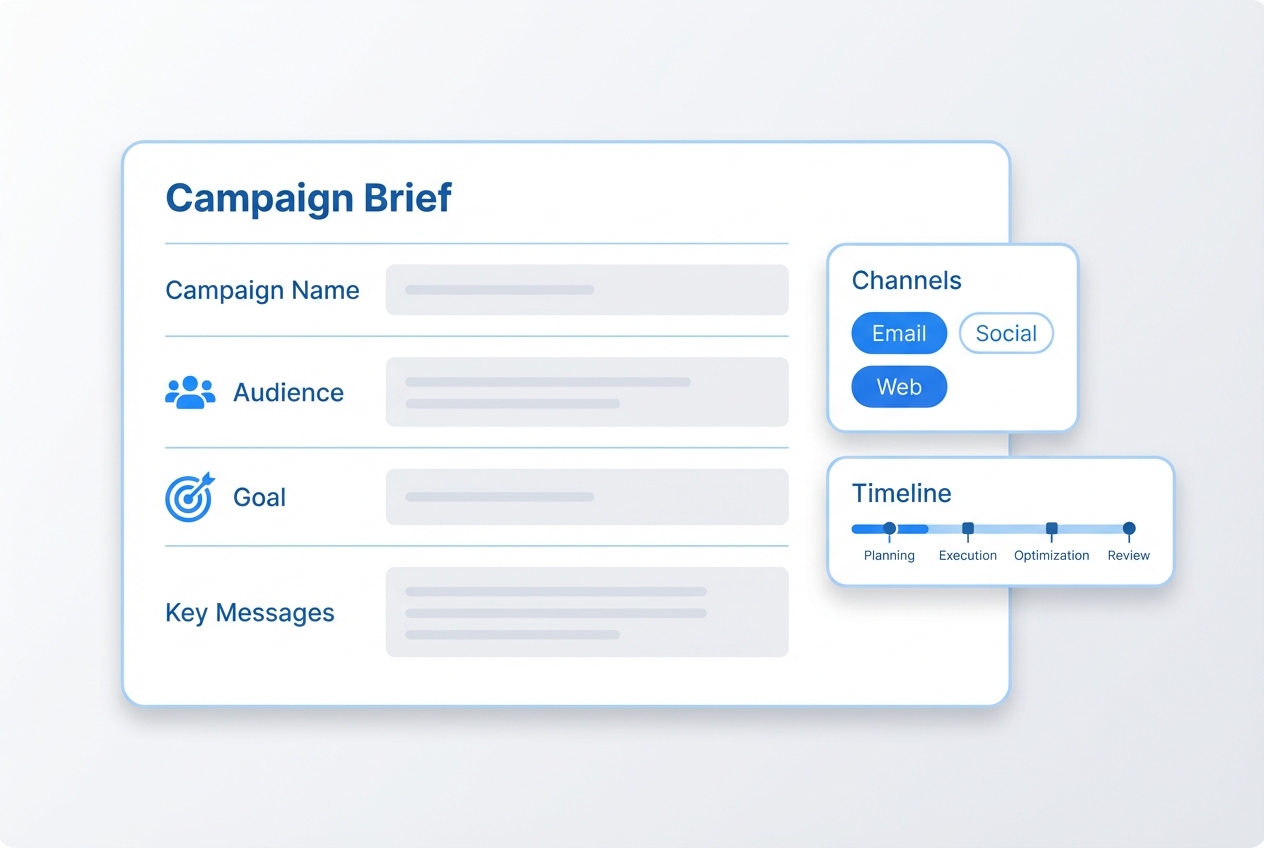
For key accounts, deals, and tickets, Clones assemble briefs that roll up recent activity, stakeholders, risks, and open items. They tailor briefs for sales, CS, and leadership, linking back to underlying records and activities. Before a renewal call or QBR, teams see what matters without digging through timelines.

Lead and MQL enrichment
Clones enrich inbound leads and MQLs with context from emails, forms, and prior interactions. They fill in missing fields, suggest lead status changes, and route to the right owners or queues based on your rules—improving speed to lead without more manual triage.
CS and support signal into CRM
Clones pull key moments from support tickets, chats, and success calls into CRM records: escalations, sentiment shifts, renewal risks, and expansion opportunities. They flag at‑risk accounts and help align sales and CS around one shared picture of the customer.
Your CRM stack, connected
HubSpot / CRM + CloneForce sits at the center of your go‑to‑market stack. Clones connect CRM with email, calendar, meetings, support, and project tools—pulling in context and pushing structured updates back into contacts, companies, deals, tickets, and custom objects.
Featured connections shown. Browse dozens more in the Skills Marketplace
Want to Learn More?
You have questions, we have answers. What can Digital Teammates actually do inside your CRM without breaking your processes?
Ready to connect HubSpot and your CRM stack with CloneForce?
See how Digital Teammates in your CRM can keep notes, fields, and follow‑ups accurate—so revenue teams trust the data and spend more time with customers.
Contact Us