Digital Teammate — Personal Productivity Clone

Personal Productivity Clone that keeps your day, tasks, and follow‑ups on track

Your Personal Productivity Clone is a Digital Teammate that organizes your calendar, inbox, tasks, and notes across work and personal life. It prepares you for meetings, tracks commitments, drafts follow‑ups, and nudges you on what matters most—so you can focus on decisions and deep work instead of juggling reminders and to‑dos.
Without a Personal Productivity Clone, staying on top of commitments across tools is constant mental load
Most days are a mix of back‑to‑back meetings, Slack or email pings, half‑finished notes, and personal tasks squeezed into the gaps. Important follow‑ups slip, notes get buried in docs, and priorities get crowded out by whatever just landed in the inbox. A Personal Productivity Clone sits across your tools to capture commitments, surface priorities, and prepare your day—so you rely less on memory and more on a reliable system.
A daily plan that’s ready before you start
Your Personal Productivity Clone reviews your calendar, tasks, and inbox before your day begins and assembles a simple daily plan. It highlights your top priorities, risky conflicts, and key prep items so you know what actually matters before you open your email or chat apps.
Meeting prep, notes, and follow‑ups across your schedule
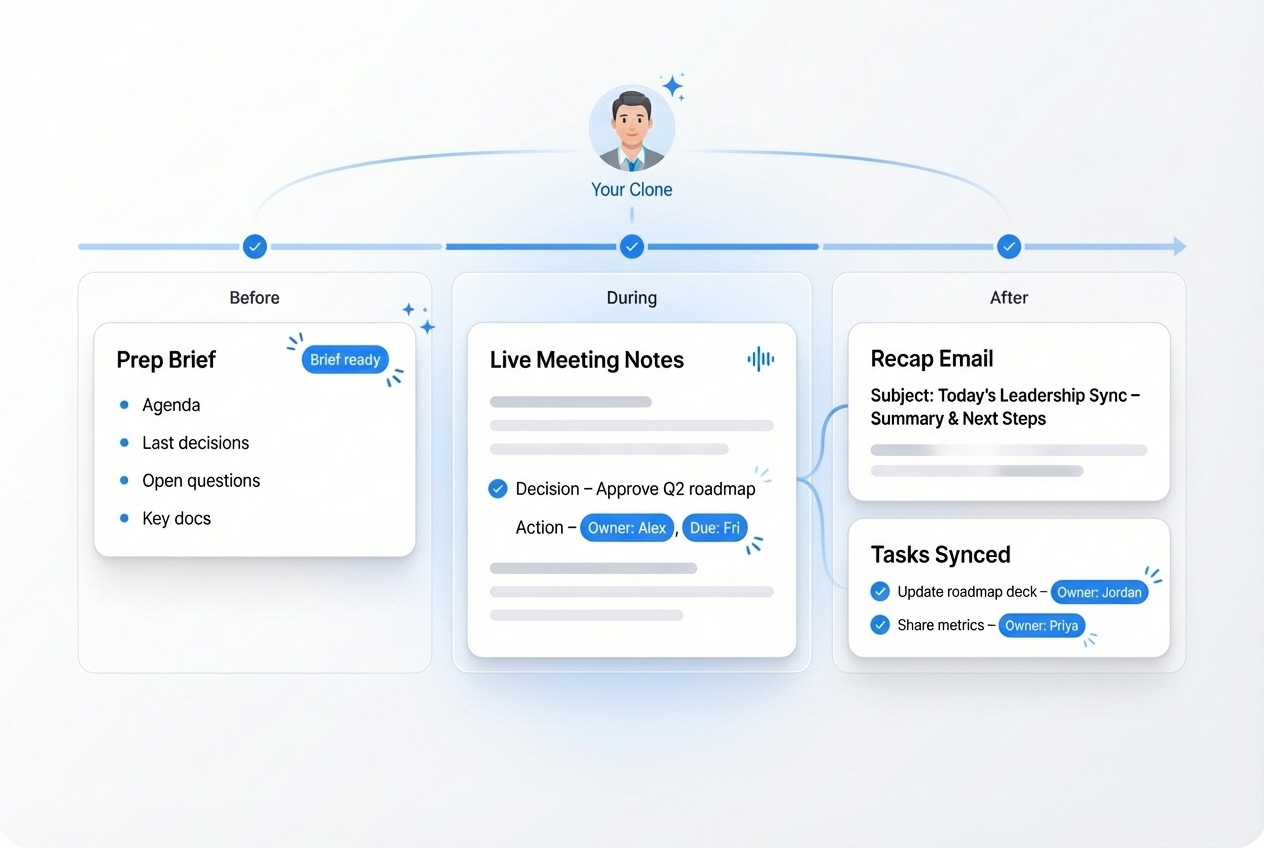
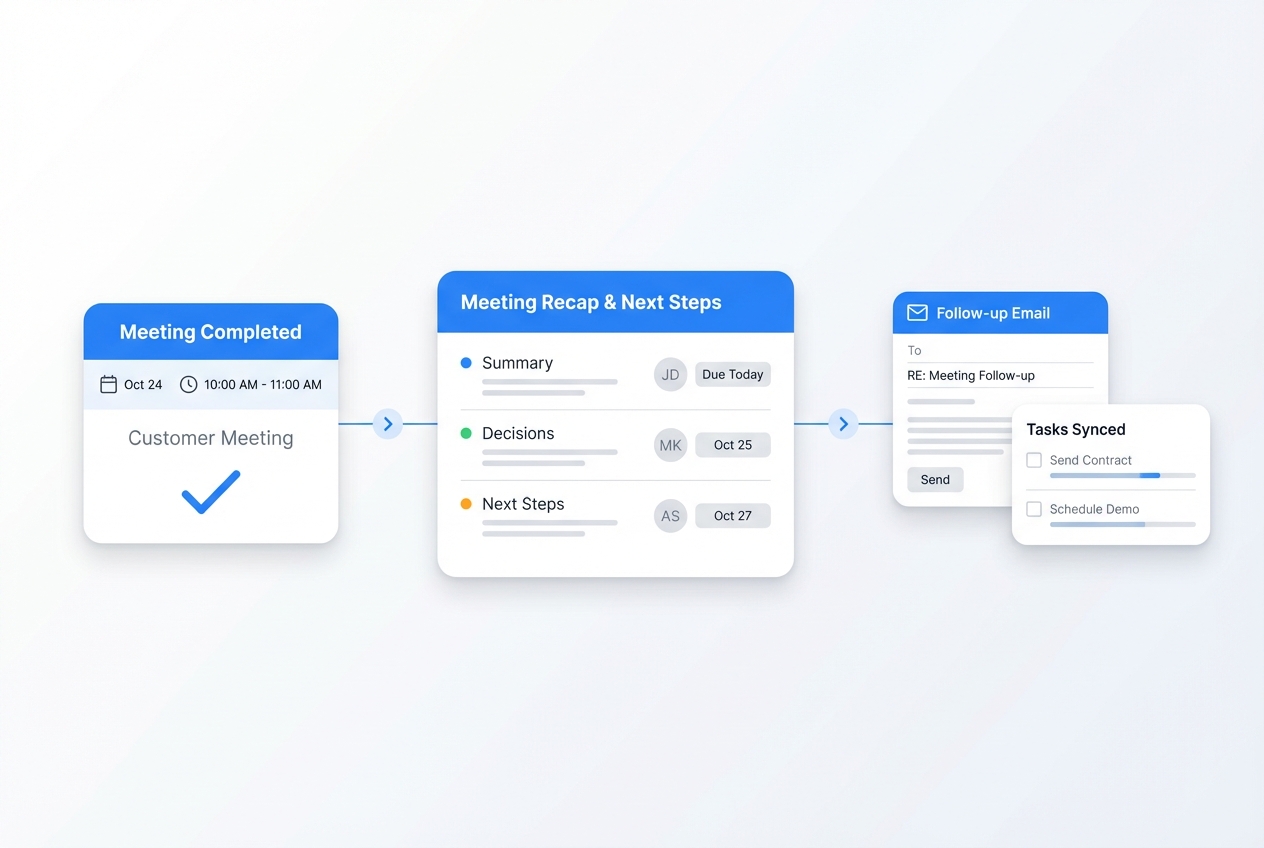
For important meetings, your Clone pulls relevant emails, docs, and past notes into a short brief, then captures key points, decisions, and next steps during or right after. It drafts follow‑up emails and updates your task list so you leave fewer loose ends and don’t have to remember every “I’ll get that to you.”
Tasks and commitments that don’t get lost
Your Clone watches for tasks in email, chat, and notes—turning “I’ll do that” moments into tracked items with owners and due dates. It nudges you when deadlines approach, groups related work together, and clears out stale items so your to‑do list stays realistic instead of overwhelming.

Run every day with your Personal Productivity Clone

Your Personal Productivity Clone connects to your calendar, email, notes, docs, and task tools. It understands your working hours, focus preferences, recurring rhythms, and personal constraints. It quietly organizes your time, surfaces the right work at the right moment, and keeps your follow‑ups moving—so your brain can stay focused on thinking, not tracking.

End‑to‑end day orchestration: plan, execute, review

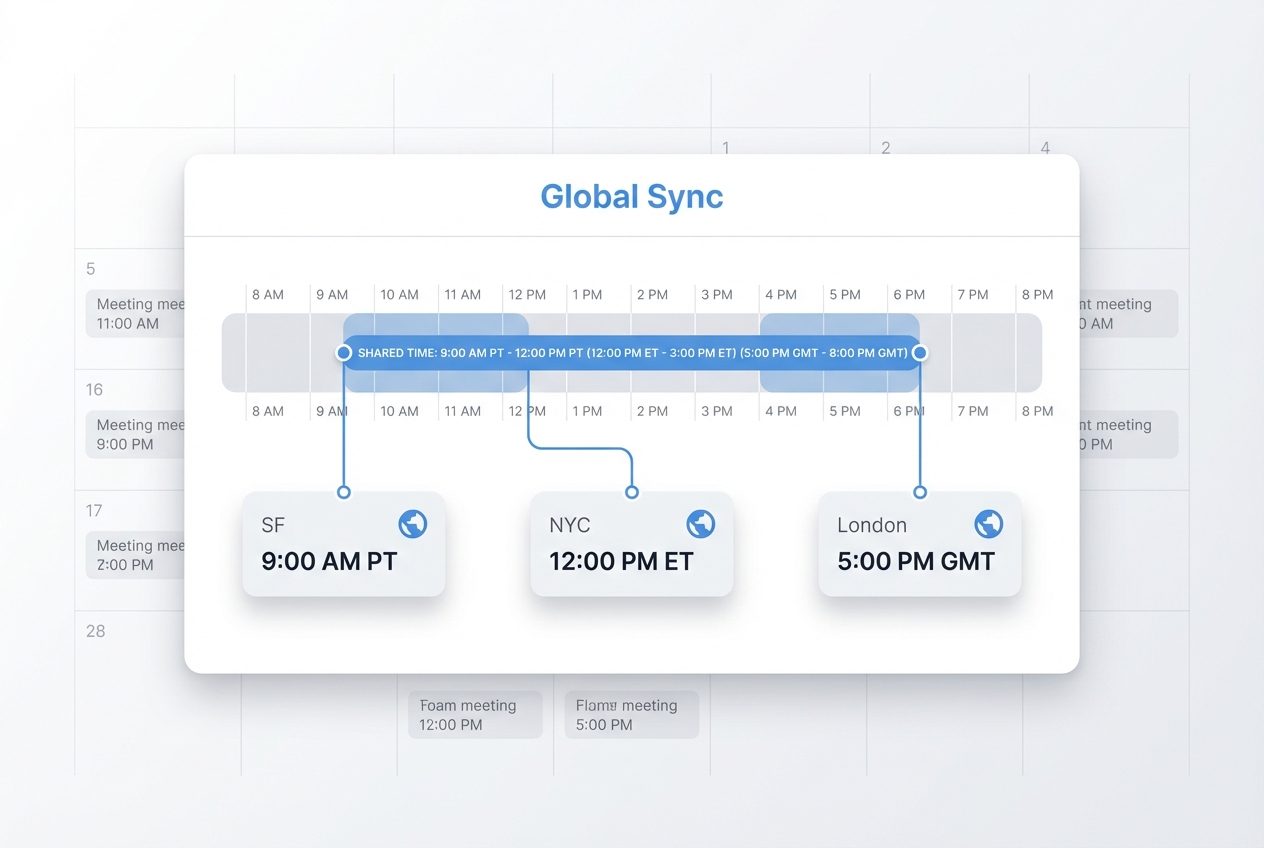
Your Clone builds a daily plan grounded in your meetings, tasks, and deadlines, then keeps it live throughout the day as things change. It inserts prep blocks before important meetings, moves non‑urgent work when conflicts arise, and compiles a short end‑of‑day summary of what got done and what rolled over. Instead of improvising hour by hour, you get a rhythm that adapts but doesn’t fall apart.

Smart inbox and notification triage

Your Personal Productivity Clone triages incoming email and notifications, separating urgent items from FYIs and bulk updates. It groups related threads, drafts quick responses for simple requests, and builds a small “Needs your attention” queue so you don’t spend half the day scanning everything that comes in.
Personal projects and goals aligned with your calendar
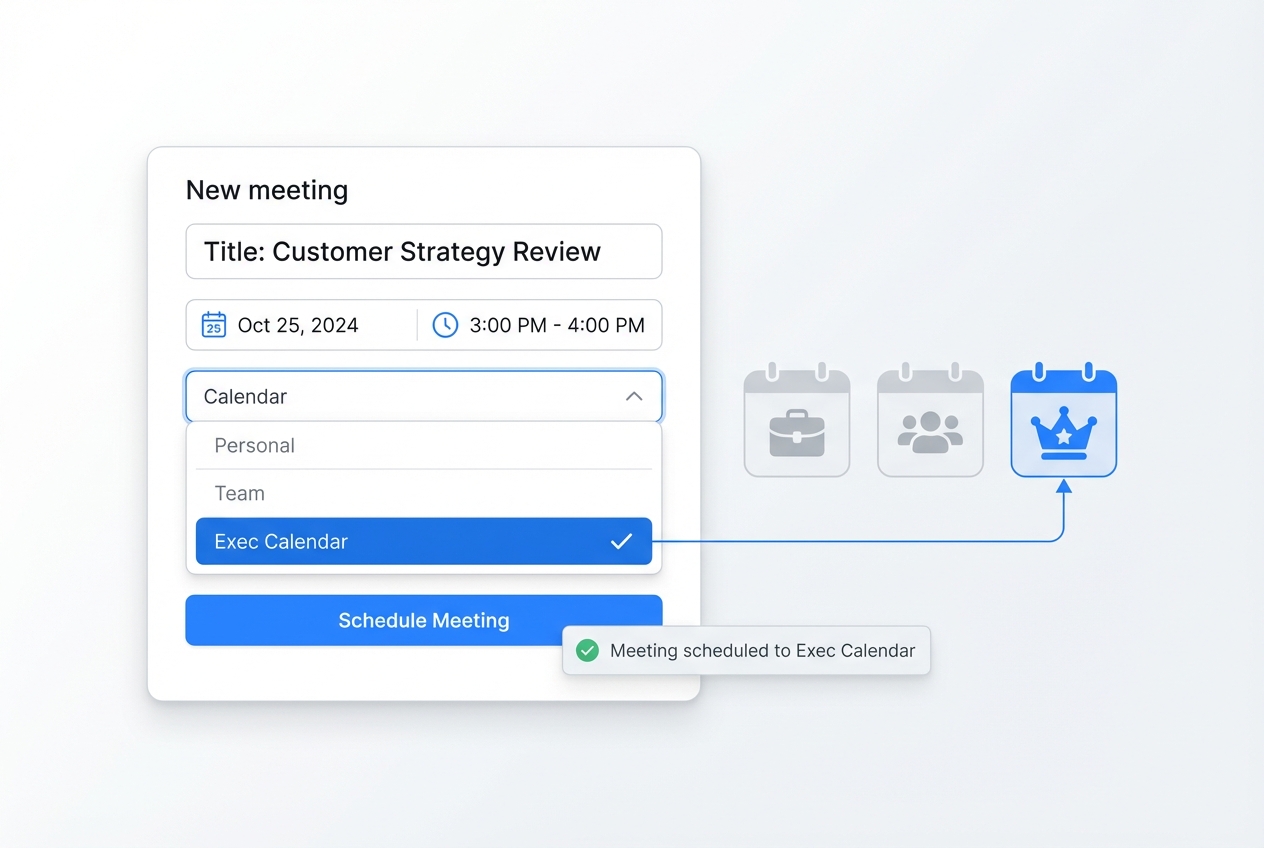
Beyond work, your Clone helps you protect time for personal projects, learning, and life admin. It finds realistic slots on your calendar, reschedules when the week gets crowded, and keeps those commitments visible so long‑term goals don’t get permanently bumped by short‑term noise.
Cross‑tool task consolidation
Your Personal Productivity Clone pulls tasks from different systems—email, PM tools, notes apps—into a unified view. It de‑duplicates where needed, links tasks back to their original context, and organizes them by priority and time horizon so you’re not juggling three different to‑do lists.
Contextual reminders at the right moment
Instead of generic reminders, your Clone surfaces the right information when you need it—slides before a presentation, notes before a 1:1, travel details before you leave. It uses your calendar and patterns to time nudges so you’re prepared without feeling spammed.
Your Personal Productivity Clone stack, connected
Your Personal Productivity Clone works in the tools you already use every day. Connect your calendars, email, notes, task managers, and chat, and your Clone keeps plans, tasks, and follow‑ups in sync without forcing you into a new system.
Featured connections shown. Browse dozens more in the Skills Marketplace
Questions about your Personal Productivity Clone?
You have questions, we have answers. Here’s what busy professionals usually ask before they deploy a Personal Productivity Clone.
Ready to deploy your Personal Productivity Clone?
See how a digital teammate can keep your calendar, tasks, and follow‑ups under control—so you can spend more time on meaningful work and less time managing the chaos.
Contact Us