CloneForce for Asana, Jira & Trello

Turn every request into real work — with Digital Teammates that run tasks and projects

Asana / Jira / Trello + CloneForce gives you Digital Teammates that live alongside your boards, lists, and issues. Clones turn messages and ideas into structured tasks, keep backlogs clean, and move work through your workflows—so teams spend more time executing and less time grooming, copying, and chasing status.
We get it, tasks start everywhere and your boards can’t keep up
Requests show up in chat, email, meetings, and docs—but your source of truth for work is in tools like Asana, Jira, and Trello. Translating all that input into clean tasks and projects is tedious, and backlogs quickly become noisy, stale, or out of sync. Asana / Jira / Trello + CloneForce routes this work to Digital Teammates that capture, structure, and maintain tasks directly in your project tools—so people stay in their familiar boards while the admin work happens in the background.
Run tasks and projects from a single, trusted view
CloneForce centralizes what matters across Asana, Jira, and Trello. Digital Teammates keep priority boards, sprints, and project plans aligned—so when you open a board or backlog, you see a true picture of what’s in, what’s blocked, and what’s done.
Digital Teammates learn your processes, fields, and rituals.
Connect your Asana, Jira, or Trello workspaces and define which projects, boards, and issue types matter. Digital Teammates learn your statuses, custom fields, labels, and sprint cadence, plus how different teams—from product and engineering to ops and marketing—run work.
Intake, triage, and updates—accurately, fast, in context
Ask and it’s handled: “Turn this thread into a ticket,” “Break this spec into tasks,” or “Update these cards based on the latest meeting.” Digital Teammates transform unstructured requests into clean items, route them to the right projects, and keep status in sync with what actually happened.
Run every project workflow with operator‑led task automation playbooks
Asana / Jira / Trello + CloneForce lets Digital Teammates act as operators inside your project tools. They listen to inbound work from chat, email, and docs; understand projects, owners, and dependencies; and run playbooks that create, prioritize, and update tasks without forcing teams to change how they plan.
Request intake & backlog triage
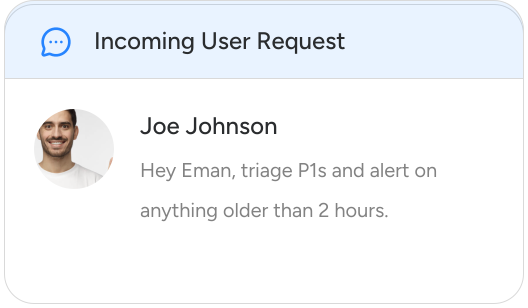
Digital Teammates capture work as it’s requested—bugs, feature ideas, ops to‑dos, content asks—and convert it into structured tasks or issues with clear titles, descriptions, owners, and tags. They group items by urgency and impact, flag duplicates, and slot work into the right board, project, or sprint so backlogs stay usable instead of overwhelming.

Task breakdown from specs, docs, and decisions
Digital Teammates read specs, meeting notes, and decision logs, then propose a breakdown of work: tasks, subtasks, or Jira issues with acceptance criteria and links back to the source doc. Teams can accept or refine the plan, turning big ideas into actionable work plans in a fraction of the time.
Status syncing and stakeholder updates
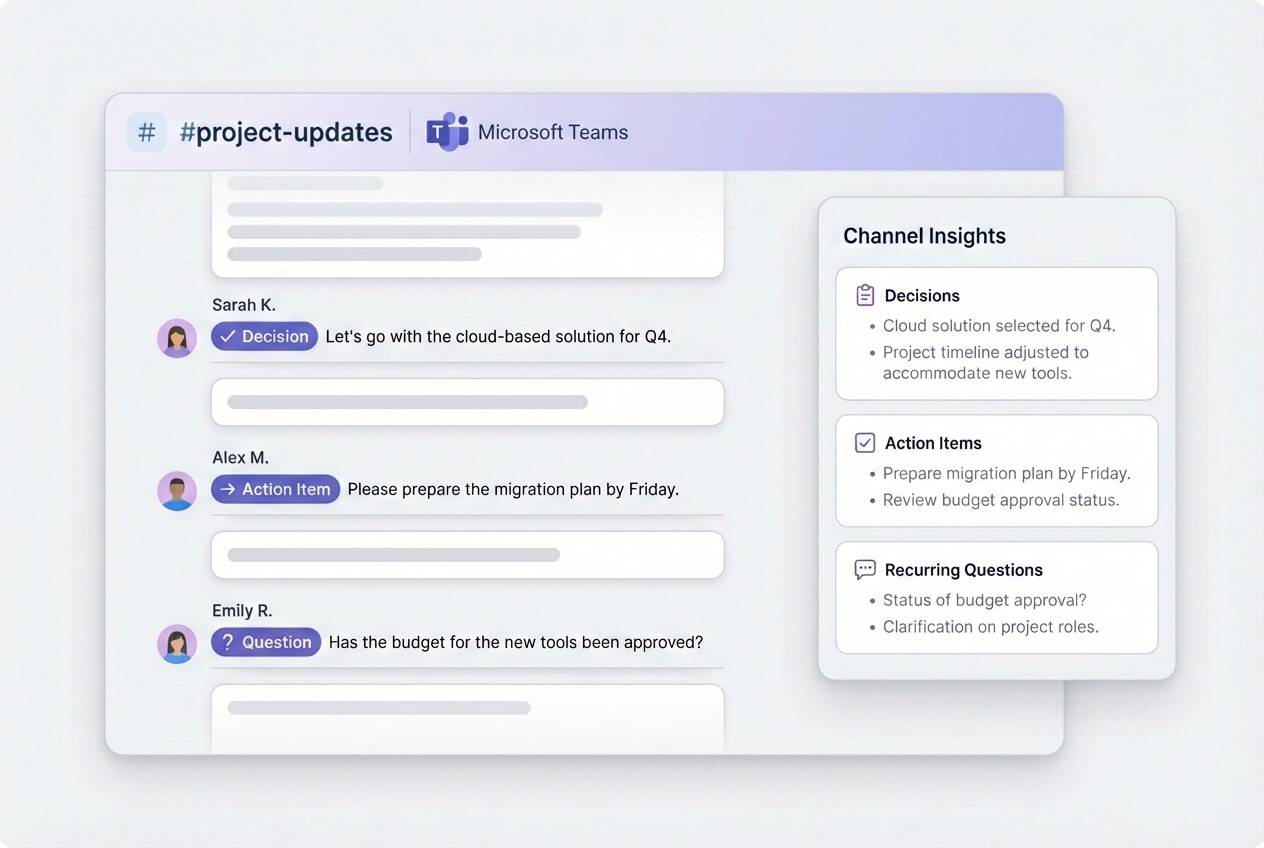
Digital Teammates watch for status changes and key events in your project tools—cards moving columns, sprints closing, milestones hit—and translate those into updates for stakeholders. They draft summaries for Slack/Teams, email, or IC memos, linking back to the right boards and tasks so everyone stays in sync without constant pings.
Project hubs and runbooks that stay current
Digital Teammates maintain project hubs and runbooks as living documents. They update timelines, owners, and key links; surface recent changes; and pull in highlights from meetings and tickets. Instead of building new wikis for every project, teams iterate on a single, well‑maintained hub.
FAQ, how‑to, and internal help centers
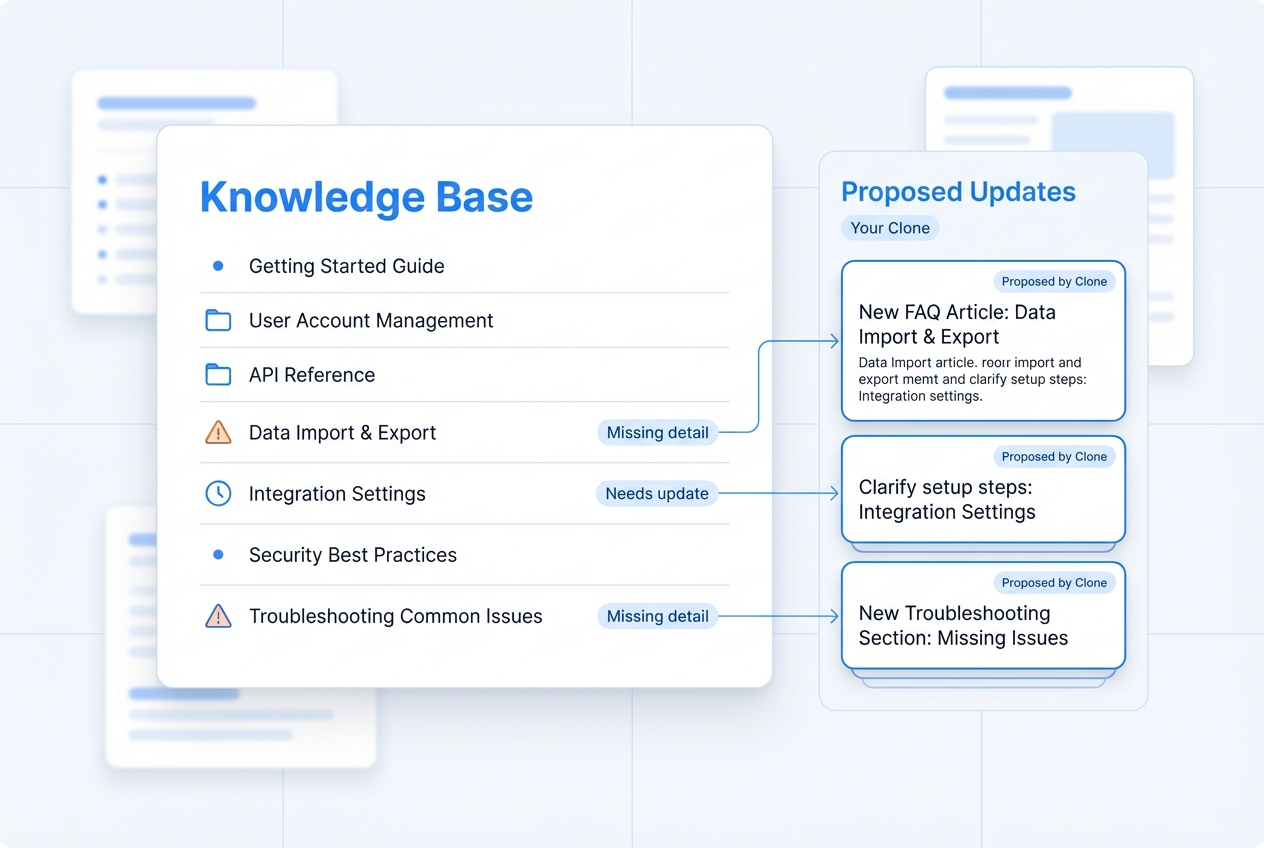
Digital Teammates turn recurring questions from chat, email, and support systems into wiki entries. They draft FAQs, how‑tos, and internal help pages based on the best answers and route them to owners for approval—so frontline teams can answer with a link instead of re‑typing explanations.
Your knowledge & documentation stack, connected
Notion / Confluence + CloneForce sits at the center of your knowledge ecosystem. Digital Teammates connect your wiki to chat, email, tickets, CRM, and BI tools—pulling context in and pushing structured docs, IC memos, and FAQs back into your Notion or Confluence spaces.
Featured connections shown. Browse dozens more in the Skills Marketplace
Want to Learn More?
You have questions, we have answers. What can Digital Teammates actually do in Notion and Confluence without disrupting how your teams document today?
Ready to connect Notion & Confluence with CloneForce?
See how Digital Teammates in your knowledge hub can keep documentation current, connected, and brief‑ready—without asking your teams to maintain yet another system.
Contact Us