CloneForce for Cloud Storage (Dropbox, Box, OneDrive)

Turn cloud storage into usable knowledge — with Digital Teammates that find, organize, and brief from your files

Dropbox, Box, and OneDrive + CloneForce gives you Digital Teammates that work inside your cloud storage. Clones locate the right files fast, summarize long documents, assemble briefs from folders, and keep shared drives organized—so teams stop wasting time searching, duplicating, and asking “where is the latest version?”
We get it, cloud drives are where work lives—until nobody can find it
Cloud storage is essential, but it easily becomes chaotic: multiple versions, inconsistent naming, scattered folders, and “final_final_v7” documents. Key context hides in PDFs, decks, and docs that nobody has time to re‑read. Cloud Storage + CloneForce routes this work to Digital Teammates that search, summarize, and organize directly in Dropbox, Box, and OneDrive—so your teams get fast answers and reliable folders without changing how they store files.
Find the right file fast—and trust it’s the right version
CloneForce surfaces the most relevant files for a customer, project, or topic across Dropbox, Box, and OneDrive. Digital Teammates highlight likely “latest” versions, flag duplicates, and link related docs together so teams stop guessing which file to use.
Digital Teammates learn your folder structures and conventions
Connect your cloud storage and define which drives, folders, and shared spaces matter. Digital Teammates learn your naming patterns, where teams store key artifacts, and how you prefer content categorized. They respect existing permissions and folder access while adapting to how your org organizes information.
Summaries, briefs, and file organization—accurately, fast, in context
Ask and it’s handled: “Summarize this deck,” “Assemble a brief from this folder,” or “Create a clean folder structure for this initiative.” Digital Teammates read docs in context, extract key details, and produce structured outputs with links back to source files—so your team can act instead of search.

Run every file‑based workflow with operator‑led knowledge playbooks
Cloud Storage + CloneForce lets Digital Teammates operate as file‑based knowledge operators in Dropbox, Box, and OneDrive. They understand your projects and stakeholders, watch for new uploads, and run playbooks that keep documents findable, summarized, and connected—without forcing anyone to move files into a new system.

Search, retrieval, and folder‑level briefs

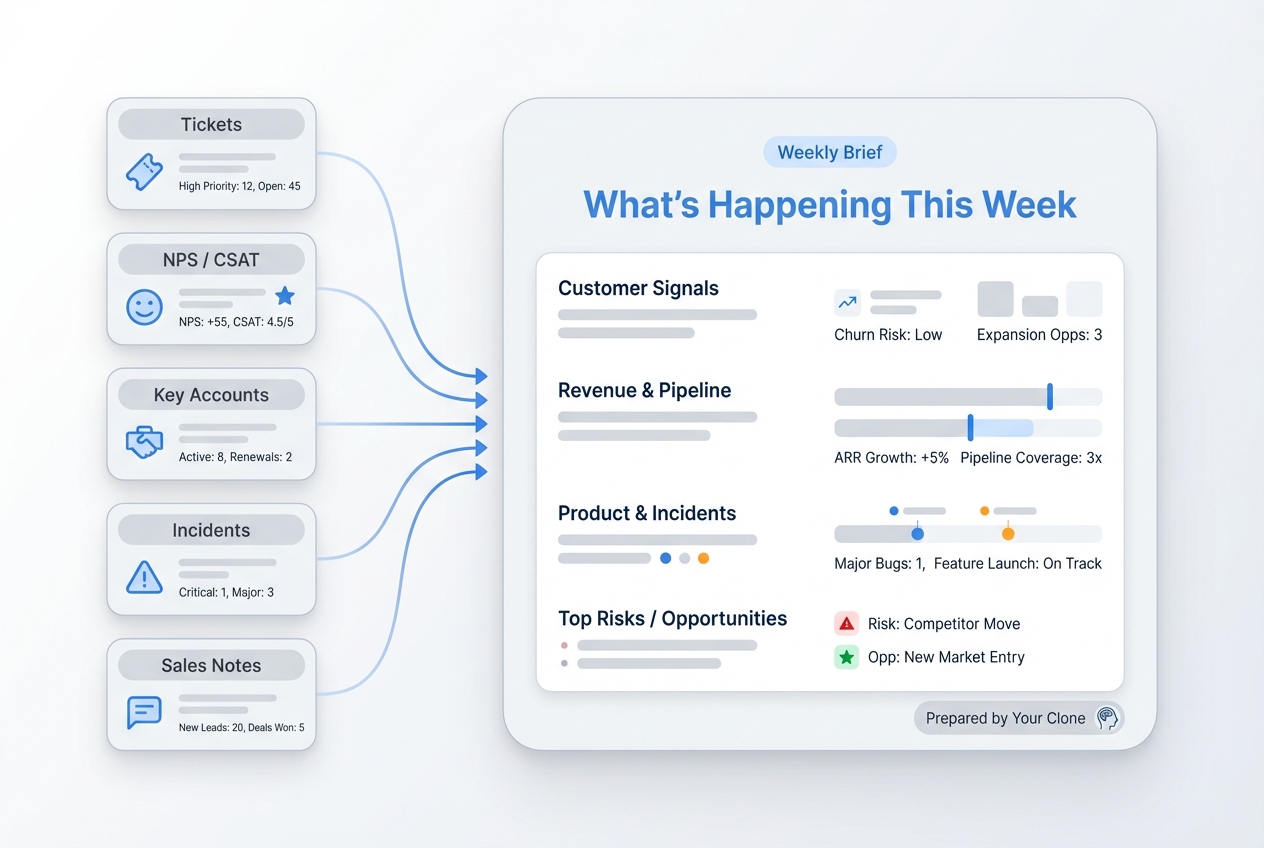
Digital Teammates can search across drives and folders to find the right content, then produce folder‑level briefs: what’s inside, what changed recently, and which files matter most. They extract key points from PDFs, decks, and docs and present a concise summary with direct links—so teams can get up to speed in minutes.
Version control hints & duplicate reduction
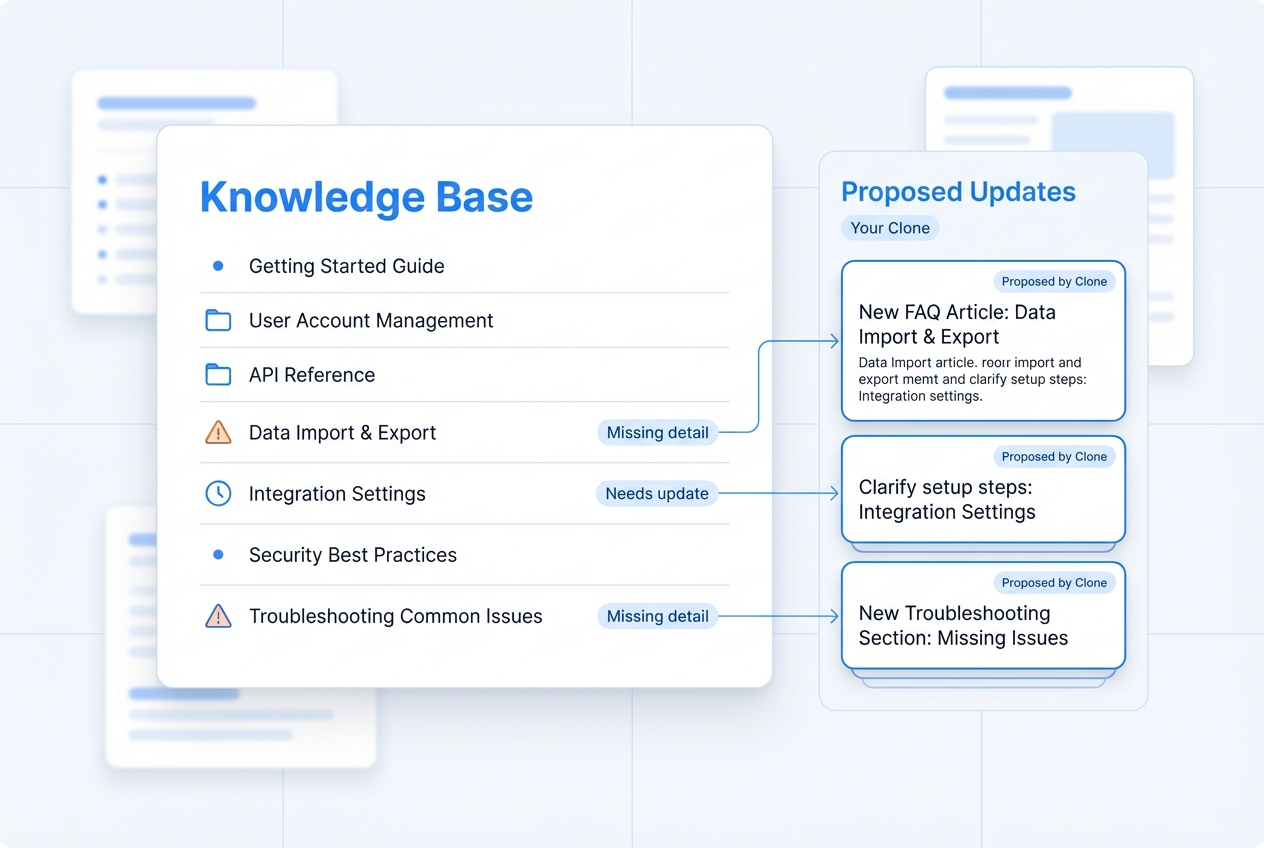
Digital Teammates detect likely duplicates and version sprawl by comparing filenames, timestamps, and content similarity. They suggest canonical files, add “Latest” labels where appropriate, and propose merges or archive moves—so shared drives stay clean and teams stop forking documents unnecessarily.
Reusable knowledge hubs from file libraries
Digital Teammates turn folders into living hubs: they generate index pages (or summary docs) that list key artifacts, recent updates, and “start here” links. Instead of navigating nested folders, teams get a curated front door to the most important files for a customer, initiative, or department.
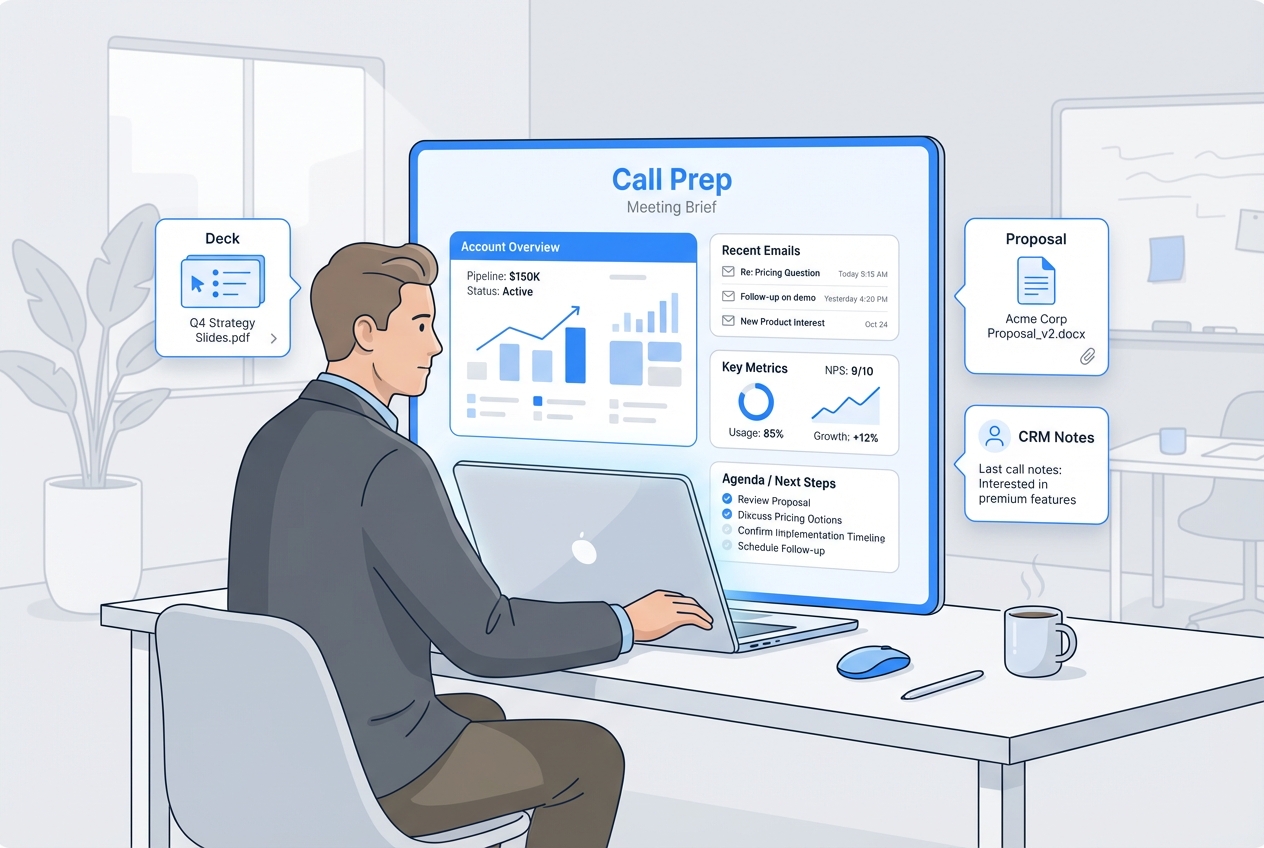
Meeting and customer prep from stored docs
Digital Teammates pull the most relevant files for an upcoming customer call, renewal, or internal review—past decks, notes, contracts, and plans—and assemble a short prep brief. They include direct links to sources so teams can verify details quickly.
Automated documentation updates from new uploads
When new files land in key folders, Digital Teammates can summarize what changed and update a running “What’s New” doc or knowledge page. This keeps teams aligned on the latest materials without requiring manual announcements.
Your cloud storage stack, connected
Cloud Storage + CloneForce sits alongside your collaboration and systems of record. Digital Teammates connect Dropbox, Box, and OneDrive to docs, chat, CRM, and project tools—pulling file
Featured connections shown. Browse dozens more in the Skills Marketplace
Want to Learn More?
You have questions, we have answers. What can Digital Teammates do across Dropbox, Box, and OneDrive without disrupting how your teams store files today?
Ready to connect cloud storage with CloneForce?
See how Digital Teammates in Dropbox, Box, and OneDrive can turn file chaos into organized, searchable knowledge—so teams spend less time hunting and more time delivering.
Contact Us